If someone got a valid password for one of your users today, would your Conditional Access stop them, or politely step aside?
A fast Entra ID Conditional Access audit isn’t about reading every policy line by line. It’s about spotting the few patterns that cause real incidents: legacy authentication still working somewhere, device compliance not enforced where it matters, and emergency access accounts that are either missing, misused, or never monitored.
The good news is you can get to “materially safer” in about 30 minutes, if you ask the right questions and use pass, fail criteria that don’t leave room for interpretation.
The 30-minute Entra ID Conditional Access audit plan (with pass/fail questions)
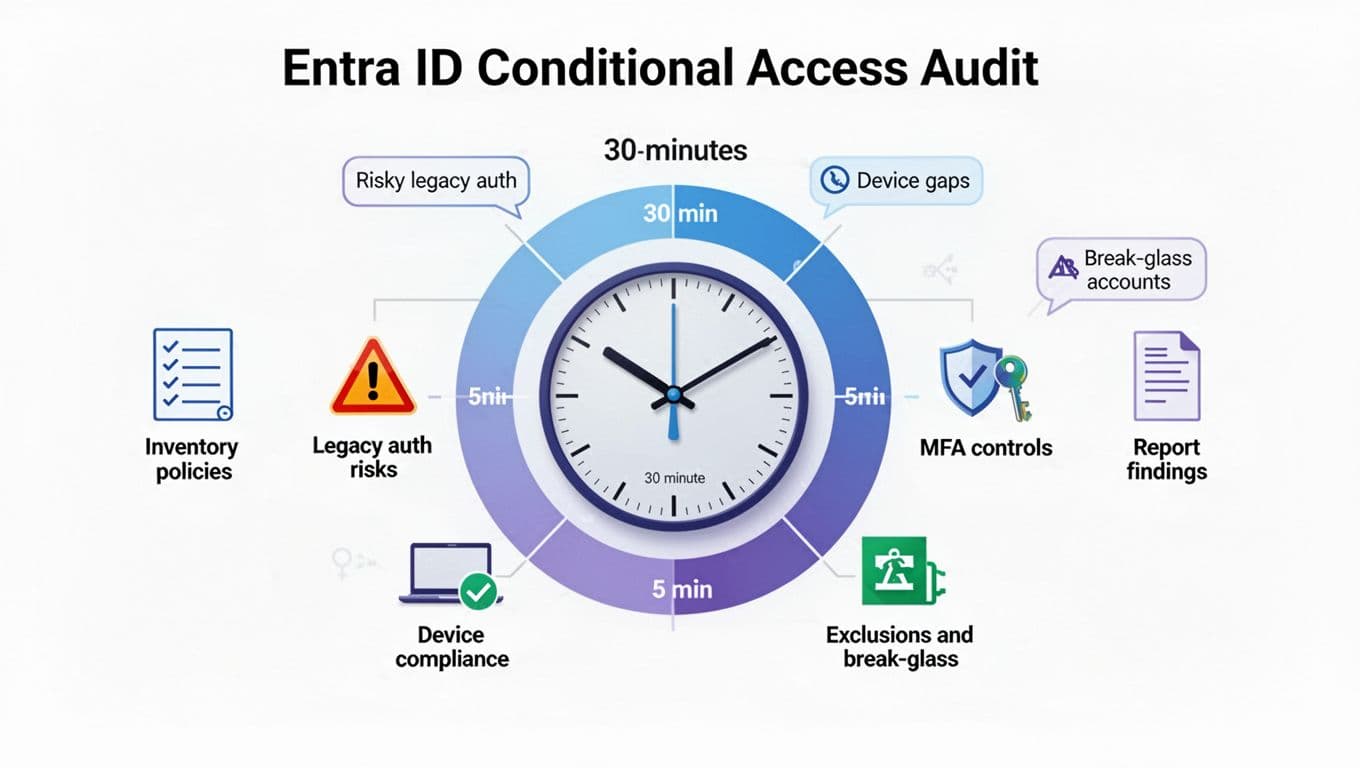
Use this as a stopwatch audit. You’re looking for high-impact misconfigurations, not perfection.
Minutes 0 to 5: Inventory policies and find “shadow coverage”
Open Conditional Access and answer these:
- Audit question: Do you have any policies in Report-only that were never moved to On?
Pass: Report-only policies have a named owner and a planned go-live date.
Fail: Report-only is used as a parking lot. - Audit question: Are there multiple policies that all target “All users” with overlapping controls?
Pass: Overlaps are intentional and documented (admin policy, high-risk policy, device policy).
Fail: You can’t explain why 6 policies all require MFA.
Quick note for February 2026: Microsoft is tightening enforcement for some edge cases involving “All resources” policies with exclusions. If you use “All cloud apps” or “All resources” plus exclusions, validate behavior ahead of the March 27, 2026 change described in this Conditional Access enforcement change for resource exclusions.
Minutes 5 to 10: Legacy authentication exposure (the quiet back door)
Legacy auth is still one of the easiest ways to bypass modern controls because it often can’t satisfy MFA or device signals.
- Audit question: Do you have a policy that blocks legacy authentication for all users (with only tight break-glass exclusions)?
Pass: Yes, it’s On, and sign-in logs show blocked legacy attempts.
Fail: No, or it exists but targets only a subset, or it’s Report-only. - Audit question: Are any users or groups excluded from your “block legacy auth” policy for convenience (service desk, scanners, VIPs)?
Pass: Exclusions are rare, time-bound, and tracked to a business owner.
Fail: Broad “exceptions” that never expire.
If you need the official configuration baseline, map your check against Microsoft guidance on blocking legacy auth.
Minutes 10 to 15: Device compliance and platform coverage (where the gaps hide)
Device rules often look strict on paper but miss entire platforms.
- Audit question: For key apps (Exchange, SharePoint, Teams, admin portals), do you require a compliant or hybrid Azure AD joined device (or approved app with app protection for BYOD)?
Pass: Yes, for at least your most sensitive apps and for admins.
Fail: Device state isn’t checked anywhere important. - Audit question: Do your policies cover all device platforms you actually use (Windows, macOS, iOS, Android)?
Pass: Platforms are included intentionally, and “Unknown” is treated as suspicious.
Fail: macOS or mobile is excluded “for now” and nobody remembers.
Minutes 15 to 20: MFA quality in 2026 (passkeys, FIDO2, and authentication strengths)
In 2026, “Require MFA” is a floor, not a finish line. Token theft, push fatigue, and phishing kits push you toward phishing-resistant options.
- Audit question: Do you use authentication strengths to require phishing-resistant methods for admins and high-risk access?
Pass: Admin access requires a strength that includes FIDO2 security keys or passkeys (or equivalent phishing-resistant methods in your tenant).
Fail: Everything is “Require MFA” with no method quality control. - Audit question: Are admin roles protected by Conditional Access targeting directory roles (not just an “Admins” group that goes stale)?
Pass: Admin policy targets roles, blocks legacy auth, and requires strong authentication.
Fail: Admins are protected only by membership in a manually managed group.
Also check whether you still depend on retired or retiring risk policy approaches. Microsoft has signaled that legacy Entra ID Protection risk policies stop working in October 2026, so plan to move those decisions into Conditional Access now.
Minutes 20 to 25: Exclusions and the break-glass accounts you forgot
Exclusions are where good policy goes to die.
- Audit question: Are there any policies with All cloud apps plus broad exclusions (common examples: “Office 365”, “Microsoft Admin Portals”, “Azure Management”, “All trusted locations”)?
Pass: Exclusions are narrow and justified, with periodic review.
Fail: Large exclusions that effectively nullify the policy. - Audit question: Do you have at least two break-glass accounts, cloud-only, excluded from Conditional Access, and secured with long unique passwords stored offline?
Pass: Two accounts, tested quarterly, no day-to-day use.
Fail: One account, shared knowledge, or it has a mailbox and gets used casually.
Minutes 25 to 30: Validate with sign-in logs (proof beats opinions)
Pick one user and one admin test account, then check sign-in logs to confirm your story matches reality.
- Audit question: When you filter sign-ins by “Client app”, do you see any legacy protocols succeeding?
Pass: Legacy attempts are blocked or not present.
Fail: Success events exist, even if “rare”. - Audit question: Can you explain one recent “Conditional Access: Not applied” event?
Pass: It’s expected (excluded app, excluded user, or non-interactive flow).
Fail: Nobody can explain it, which means you can’t defend it.
For tricky “why did this change” moments, the Conditional Access audit log troubleshooting guide is the fastest way to tie behavior back to policy edits.
Minimal baseline policies to fix the big three risks (and roll them out safely)
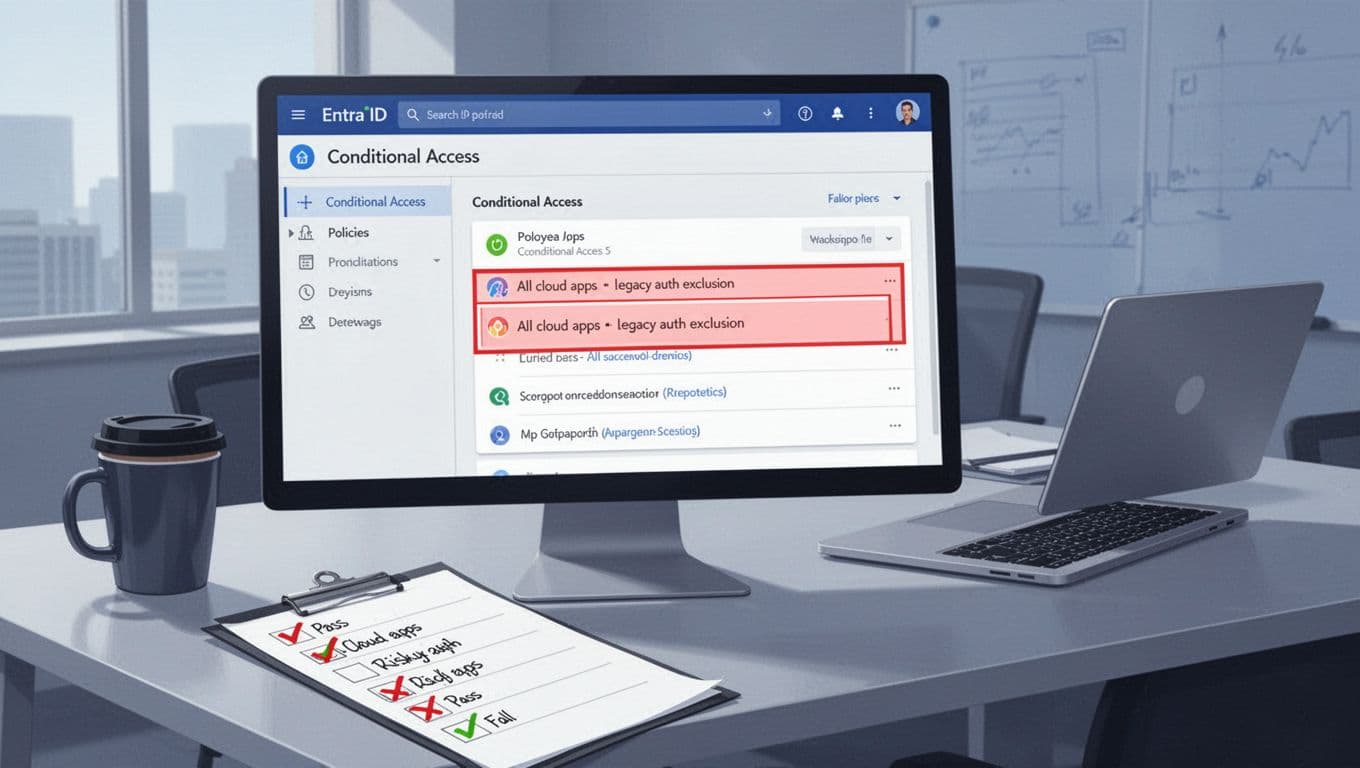
Keep your baseline small enough that you’ll maintain it. These cover the most common audit failures.
Baseline policy set (practical and defensible)
- Block legacy authentication (tenant-wide): Target all users, exclude only break-glass, block legacy client apps.
- Require phishing-resistant auth for admins: Target directory roles, require an authentication strength that supports passkeys or FIDO2 security keys, block legacy auth, and consider stronger session controls for admin portals.
- Require compliant device for key apps: For Exchange, SharePoint, Teams, and your line-of-business apps, require compliant or hybrid joined. For BYOD, use approved apps and app protection as your compromise path (instead of blanket allow).
- One policy for high-risk sign-ins/users (if licensed): Move risk-based enforcement into Conditional Access before the October 2026 cutoff for older risk policies.
Safe rollout in 2026: report-only, targeted pilots, then scale
Start each new policy in Report-only for 3 to 7 days. During that window, review sign-in logs for “Report-only: would have applied” and list the top blocked scenarios.
Then pilot with a tight ring:
- IT and security first (people who can file good tickets).
- One business unit with predictable app use.
- Only then expand to “All users”.
If a policy causes failures, fix the root cause (device enrollment, app modern auth, user registration for passkeys) before widening exclusions. Exclusions should be the last resort, not the first.
One 2026 footnote that trips teams up: workload identities (service principals, managed identities) don’t satisfy MFA and often aren’t governed by the same interactive CA controls. Treat them as a separate review item: credential type, permission scope, and sign-in activity.
Document findings, monitor break-glass sign-ins, and stop policy drift
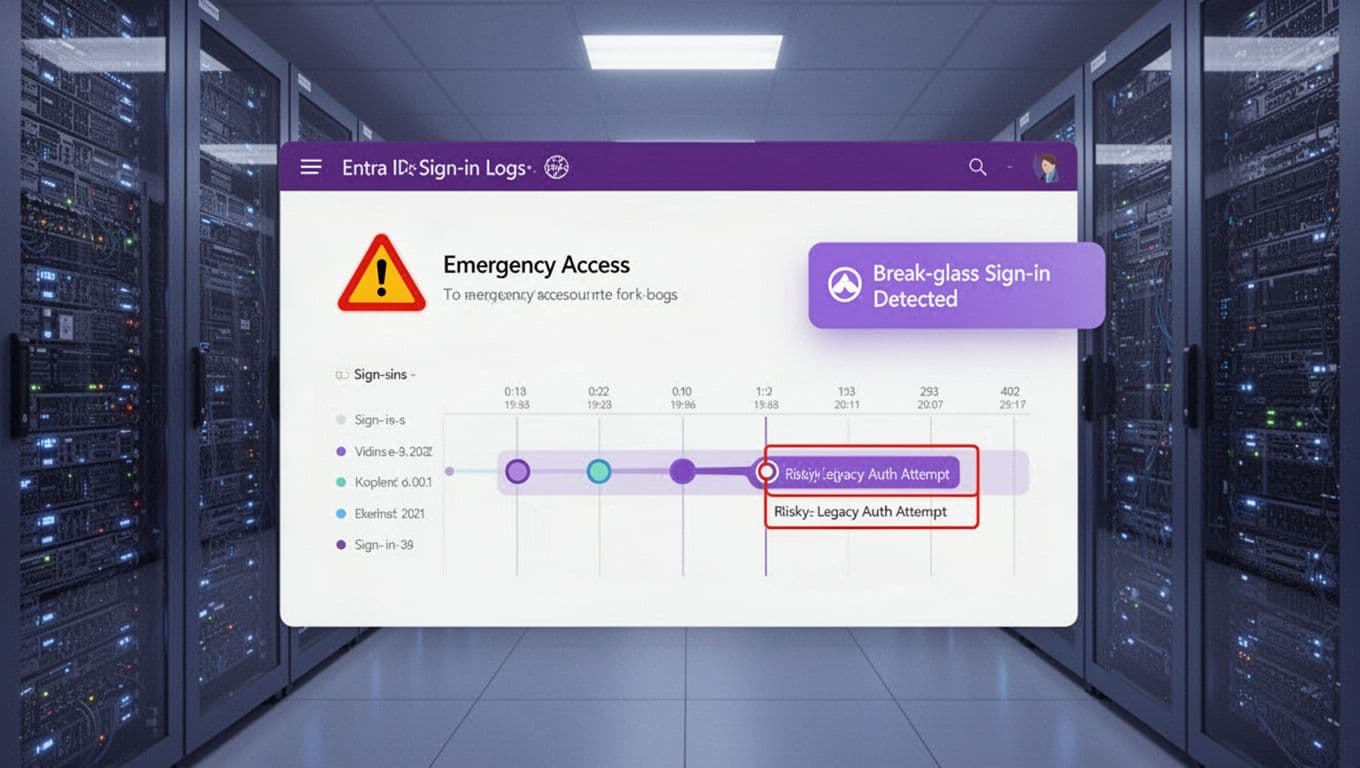
A good audit ends with a record you can hand to leadership, and alerts that make sure you’re not surprised later.
Example findings table (simple, usable, and hard to argue with)
| Area | Audit question | Pass/Fail | Evidence to capture | Recommended fix | Owner | Target date |
|---|---|---|---|---|---|---|
| Legacy auth | Any legacy client app sign-ins succeeding? | Fail | Sign-in log filter: Client app = legacy, Result = success | Enable “Block legacy auth” policy, remove user exceptions | IAM | 14 days |
| Device | Key apps require compliant device? | Fail | CA policy export, sign-in logs show “Device: not compliant” allowed | Require compliant device for Exchange/SharePoint/Teams | Endpoint | 30 days |
| Break-glass | Break-glass sign-ins monitored and alerted? | Fail | No alert rule, no runbook | Alert on any break-glass sign-in, test quarterly | SecOps | 7 days |
Monitoring that pays off quickly
At minimum, alert on:
- Any break-glass account sign-in (success or failure).
- Any legacy auth sign-in attempts that change from blocked to success.
- Sudden spikes in “Conditional Access: Not applied” for sensitive apps.
If you need ideas for alert patterns and operational handling, this write-up on real-time break-glass monitoring ideas is a solid starting point.
Conclusion
A 30-minute audit won’t fix everything, but it will expose the risks that lead to real compromises: legacy auth that still works, device compliance gaps on key apps, and break-glass accounts that exist only on paper. Run this audit quarterly, keep your baseline policy set small, and treat exclusions like production changes that need a reason and an owner. The goal is simple: when something goes wrong at 2 a.m., your access controls should behave like a locked door, not a suggestion.

