A NAT gateway looks harmless on an architecture diagram. On a monthly bill, it can act like a meter running on every outbound byte from your private subnets.
In 2026, AWS NAT Gateway costs still catch teams off guard because the fixed hourly fee is only part of the story. Data processing, cross-AZ routing, and traffic that should’ve stayed on the AWS backbone can turn a simple egress design into a steady tax on growth.
The good news is that most NAT spend isn’t random. It comes from a few repeatable patterns, and those patterns are fixable.
What an AWS NAT Gateway costs in 2026
In many U.S. regions, a public NAT gateway costs about $0.045 per hour and $0.045 per GB processed. That means a single gateway running all month costs about $32.85 before you send much traffic through it.
That base charge matters more than many teams expect. If you follow AWS best practice and deploy one NAT gateway per Availability Zone, three AZs start at $98.55 per month even before meaningful egress begins.
The math is simple:
Monthly NAT cost = gateway hours x hourly rate + GB processed x per-GB rate
So, if one NAT gateway runs for a full month and processes 100 GB, the estimate is $37.35. The gateway itself is $32.85, and the traffic adds $4.50.
Those numbers are current in many U.S. regions, but region still matters. If your workload spans higher-cost regions, your bill changes. That’s why it’s smart to validate assumptions before you change route tables or redesign a VPC. For a quick second check, CostGoat’s NAT Gateway pricing calculator is useful for rough monthly estimates.
One more point matters for budgeting: you pay for the gateway while it’s provisioned, not only when it’s busy. So NAT cost has a fixed floor and a variable ceiling. That cost shape is why small environments may tolerate it, while growing platforms start to feel it fast.
Why NAT bills rise faster than expected
The surprise usually isn’t the hourly fee. The surprise is how much traffic ends up crossing the gateway.
Private subnets often send far more than “internet traffic” through NAT. Common sources include OS updates, package managers, container image pulls, artifact downloads, SaaS API calls, telemetry, and agent traffic. If those flows don’t have a private path, NAT becomes the default tollbooth.
Here is a quick view of how the charges stack up, using the common $0.045 per hour and $0.045 per GB assumption.
| Scenario | NAT gateways | Data processed | Estimated monthly NAT charge* |
|---|---|---|---|
| One gateway, light use | 1 | 100 GB | $37.35 |
| One gateway, moderate use | 1 | 2 TB | $125.01 |
| Three gateways, moderate use | 3 | 2 TB | $190.71 |
| Three gateways, heavy use | 3 | 10 TB | $559.35 |
*Estimates reflect many U.S. regions and exclude separate data transfer charges.
At 2 TB per month, the per-GB charge is already larger than the monthly fee for one gateway. At 10 TB, the gateway-hours are almost background noise. The traffic charge does the damage.
If a private subnet in each AZ points to a NAT gateway in the same AZ, you avoid one of the most common extra costs: cross-AZ transfer added on top of NAT processing.
That point is easy to miss. Some teams try to save money by using a single NAT gateway for several AZs. On paper, that cuts the fixed monthly base. In practice, it can add regional cross-AZ transfer charges and create a less resilient egress path. You saved on gateway-hours, then paid it back in transfer fees and risk.
The same warning applies to centralized egress VPCs. They can make sense for policy and inspection, but they are not cheap by default. Transit Gateway processing, inter-AZ traffic, and extra hops can make the network bill harder to explain, not easier.
When a NAT Gateway is still the right choice
A NAT gateway is still a good fit for many production workloads. It’s managed, simple to operate, and far easier to trust at scale than a hand-built EC2-based egress box.
If your workloads need broad outbound internet access from private subnets, NAT is often the cleanest answer. It works well when destinations are mixed, traffic patterns change often, and your team doesn’t want to own patching, failover logic, or connection-limit tuning on an instance fleet.
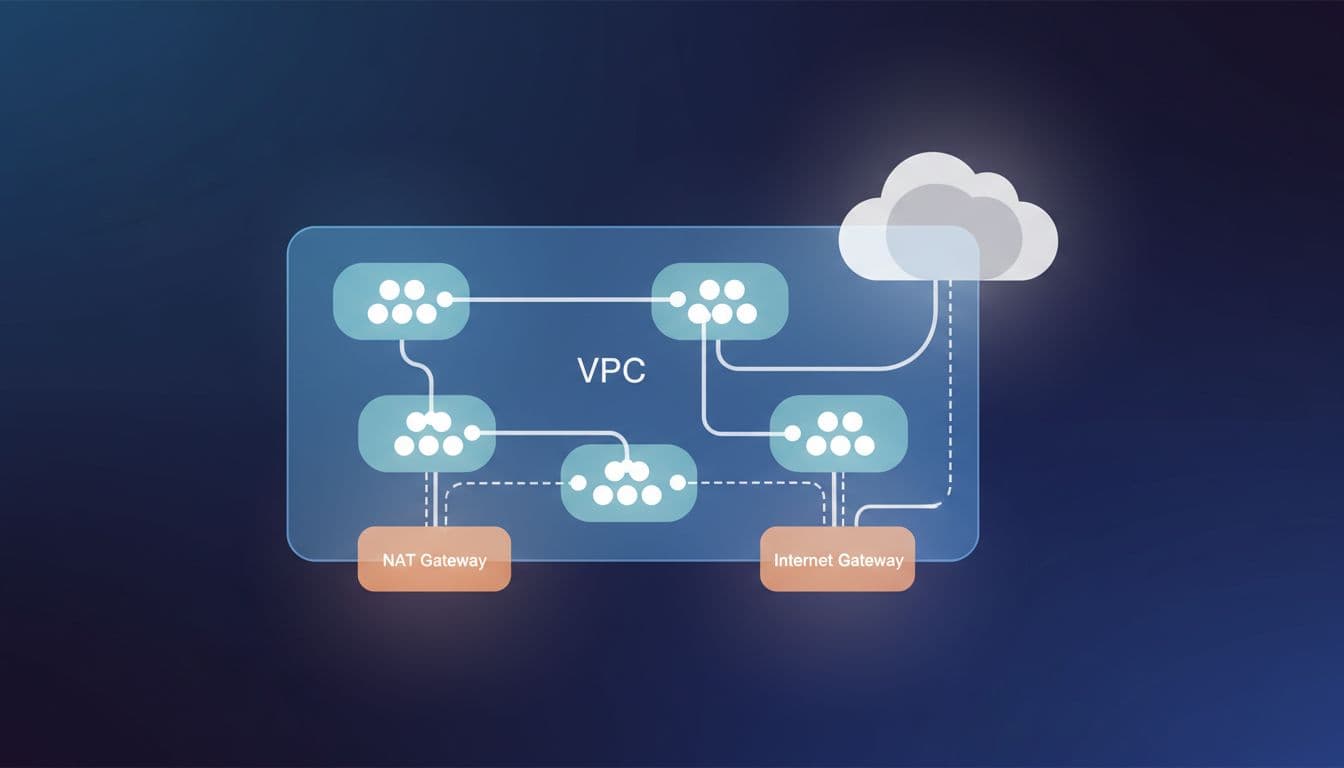
Availability also matters. A NAT gateway is an AZ-level resource, so the standard design is one per AZ with route tables kept local to that AZ. That costs more than a single shared gateway, but it avoids a brittle dependency and keeps failure domains tidy.
Security teams should also be clear-eyed about what NAT does and doesn’t do. NAT hides private source IPs for outbound flows. It does not inspect traffic, filter by domain, or replace a firewall or proxy. If you need strict egress control, URL filtering, or TLS inspection, NAT may stay in the design while another control layer handles policy.
For many production teams, the real decision is not “NAT gateway or no NAT gateway.” It’s “what traffic truly belongs on NAT, and what traffic should take a cheaper private path instead?”
Cheaper designs that reduce NAT spend
Most savings come from moving the right traffic off NAT, not from chasing clever route-table tricks.
Offload S3 and DynamoDB with gateway endpoints
Gateway endpoints are often the first change worth making. For Amazon S3 and DynamoDB, they remove NAT gateway processing charges for that traffic and keep packets on the AWS network.
That’s a big deal because S3 often hides inside other workflows. Backups land there. Logs land there. Build artifacts land there. Container image layers for Amazon ECR are backed by S3, so image pulls may still burn NAT data if you never added an S3 gateway endpoint.
Gateway endpoints also avoid hourly endpoint charges. You still pay normal service-side pricing where it applies, but you stop paying NAT to reach those services.
The caveat is policy and routing. You need the right route tables, and you should use endpoint policies so private workloads don’t get broad bucket access by accident. Still, this is usually the cleanest first move because the savings are easy to explain.

Use interface endpoints for AWS APIs that dominate traffic
Interface endpoints cost money, so they are not a free lunch. Each service, each AZ, and the traffic volume all matter. Still, they can be cheaper than NAT when private workloads talk mostly to AWS APIs.
The usual candidates are ECR API, ECR DKR, CloudWatch Logs, STS, Secrets Manager, KMS, Systems Manager, and other control-plane services your instances hit all day. If your EKS nodes, ECS tasks, or EC2 fleet live in private subnets, these calls add up.
Consider a three-AZ platform that sends 6 TB per month through NAT. Using the same 2026 pricing, that is about $375.03 in NAT charges alone. If most of that traffic is ECR, S3, CloudWatch Logs, and STS, endpoints can cut the NAT-processed volume sharply. If NAT traffic drops to 1 TB, the NAT portion falls to about $144.63. Endpoint charges still apply, but many teams still come out ahead because the expensive generic egress path shrinks.
This is one reason many cost reviews end up looking more like service-mapping exercises than simple “reduce NAT” projects. The nOps guide on reducing NAT Gateway costs highlights this same pattern: the bill improves when you separate true internet egress from AWS-service traffic.
Use IPv6 and an egress-only internet gateway where it fits
If your applications and dependencies support IPv6, dual-stack design can remove NAT from a meaningful share of outbound traffic. Private subnets with IPv6 addresses can use an egress-only internet gateway for outbound IPv6 access without a NAT gateway in that path.
That doesn’t solve everything. Many third-party APIs are still IPv4-only. Some agents, partner services, and old software stacks still assume IPv4. Audit controls may also need updates before security teams are happy with a dual-stack rollout.
Still, for modern platforms, IPv6 can reduce both cost and complexity on the egress side. It works best when you treat it as a real design choice, not as a box to check after the fact.
NAT instances and egress proxies can be cheaper, but they shift the burden
For low-throughput environments, a NAT instance can undercut the roughly $32.85 monthly base of one managed NAT gateway. That’s why dev, test, lab, and small internal tools sometimes run fine on an EC2-based egress host.
The tradeoff is simple: you stop paying part of AWS’s managed premium, and you start paying with engineering time.
You own patching, AMI updates, failover, autoscaling, connection tracking, monitoring, and performance tuning. You also need to disable source and destination checks, keep route tables correct, and plan for AZ failure if the workload matters. Once you add a second instance for high availability, the price gap narrows.
This comparison helps frame the options:
| Design | Where it usually wins | Main cost shape | Main drawback |
|---|---|---|---|
| NAT Gateway | Mixed production egress, low ops tolerance | Hourly fee plus per-GB processing | Traffic-heavy workloads get expensive |
| NAT instance | Small, predictable environments | EC2 cost plus your time | Patch, scale, and failover work land on you |
| S3/DynamoDB gateway endpoints | Heavy S3 or DynamoDB access | No endpoint hourly charge | Only covers supported services |
| Interface endpoints | Private access to AWS APIs | Per-AZ hourly fees plus endpoint data charges | Many services across many AZs can add up |
| IPv6 with egress-only IGW | IPv6-ready workloads | No NAT gateway for IPv6 egress | Dual-stack planning and service support |
A proxy can also help, but only for the right traffic. If most outbound calls are HTTP or HTTPS, a proxy may add logging and policy controls while reducing open-ended internet access. It won’t replace generic TCP egress for every application.
The point is not that NAT instances are bad. The point is that they are cheaper only when your workload and team can live with the extra ownership.
Architecture choices that create avoidable NAT charges
A surprising share of NAT spend comes from habits, not business needs.
The first habit is putting workloads in private subnets and then letting them reach everything through the internet anyway. If your EC2 fleet downloads packages, pulls containers, ships logs, fetches secrets, and talks to AWS control-plane APIs over NAT, you are paying the expensive path for traffic that could stay private.
The second habit is ignoring AZ locality. Route tables should keep each private subnet on the NAT gateway in the same AZ whenever you use NAT. Cross-AZ egress paths make the bill harder to predict and reduce fault isolation.
The third habit is treating CI, patching, and image distribution as background noise. Those systems often generate the largest sustained outbound flows in a platform. A private artifact mirror, pull-through cache, or package repository mirror can cut NAT data far more than shaving a few gateway-hours.
The lowest-cost NAT design often starts by reducing unnecessary outbound traffic, not by replacing the gateway.
Both the CloudKeeper write-up on NAT cost optimization and field experience point to the same lesson: measure destinations first. Blind redesigns often swap one charge for another.
A practical way to decide what to change
Start with 30 days of actual traffic. VPC Flow Logs, cost and usage data, and service-specific metrics will tell you whether NAT traffic is mostly internet-bound or mostly headed to AWS services.
Then split the traffic into three buckets. First, traffic that should stay on NAT because it is true internet egress to third-party destinations. Second, traffic that should move to gateway or interface endpoints. Third, traffic that should shrink because it comes from mirrors, caches, update behavior, or build-system sprawl.
After that, model by AZ, not only by VPC. A three-AZ production platform might justify three NAT gateways, several endpoints, and a small amount of true internet egress. A dev environment may be better with one NAT instance or a simpler IPv6-aware setup. The right answer changes by environment, and that’s fine.
Business context matters too. A managed NAT gateway may look expensive next to an EC2 instance, but a few hours of engineer time each month can erase the savings. On the other hand, if you’re processing many terabytes through NAT every month, doing nothing is often the most expensive option available.
The best decisions come from pairing network architecture with FinOps discipline. Price the steady state, price the likely growth path, and price the operational work. When you do that, AWS NAT Gateway costs stop looking mysterious and start looking manageable.
Conclusion
A NAT gateway is not overpriced by definition. It is expensive when it becomes the default path for traffic that had better options.
The durable pattern in 2026 is clear: keep NAT where you need managed outbound internet access, keep it local to each AZ, and move AWS-service traffic off it as fast as practical. Teams that do that usually cut cost without adding fragile network complexity.
If your current egress bill feels high, start with traffic classification. The biggest savings usually appear there, not in the gateway itself.

