A three-year Azure discount can cut spend, or lock you into the wrong compute plan. When teams compare Azure Savings Plans with Reserved VM Instances in 2026, the real issue is not the headline discount. It is how much change your estate will go through during the term.
For steady, long-lived virtual machines, reservations still win on raw savings. For environments that resize, move regions, or shift toward platform services, savings plans usually lower risk. That distinction drives most good decisions.
The commitment model changes everything
Microsoft’s current comparison guide starts with commitment type, and that is the right place to start. A savings plan commits you to a fixed hourly spend on eligible compute for one or three years. A Reserved VM Instance commits you to a defined VM configuration in a chosen Azure region for one or three years.
That difference matters as soon as your environment changes. A savings plan can follow eligible usage across VM sizes, families, and regions. It can also apply to other compute services, such as App Service, Azure Functions, and Container Instances. A VM reservation is much narrower. Azure can apply instance size flexibility within supported size groups, but the discount does not follow you to another region or to a different VM family.
Both options can work across billing scopes, depending on how you assign them. However, only the savings plan stays broad at the compute layer. A reservation still remains tied to its purchased region and matching rules.

This quick comparison helps frame the choice:
| Area | Azure Savings Plan | Reserved VM Instance |
|---|---|---|
| Commitment | Dollars per hour | VM usage in a set region |
| Term | 1 or 3 years | 1 or 3 years |
| Flexibility | High across eligible compute | Low to medium, mostly within family rules |
| Region behavior | Works across Azure regions | Tied to purchased region |
| Coverage | VMs plus selected compute services | VM compute only |
| Public discount ceiling | Up to 65% | Up to 72% |
The table shows the shape of the trade-off. It does not show the biggest trap: buying a rigid commitment before you finish rightsizing. If you lock in first and optimize later, the discount can sit on waste.
Where discounts help, and where they don’t
Public pricing still puts Reserved VM Instances ahead on maximum savings, while savings plans give up some of that discount for flexibility. A recent nOps comparison of savings plans and reservations reaches the same conclusion. In practice, the real gap depends on coverage and utilization, not the top-line number.
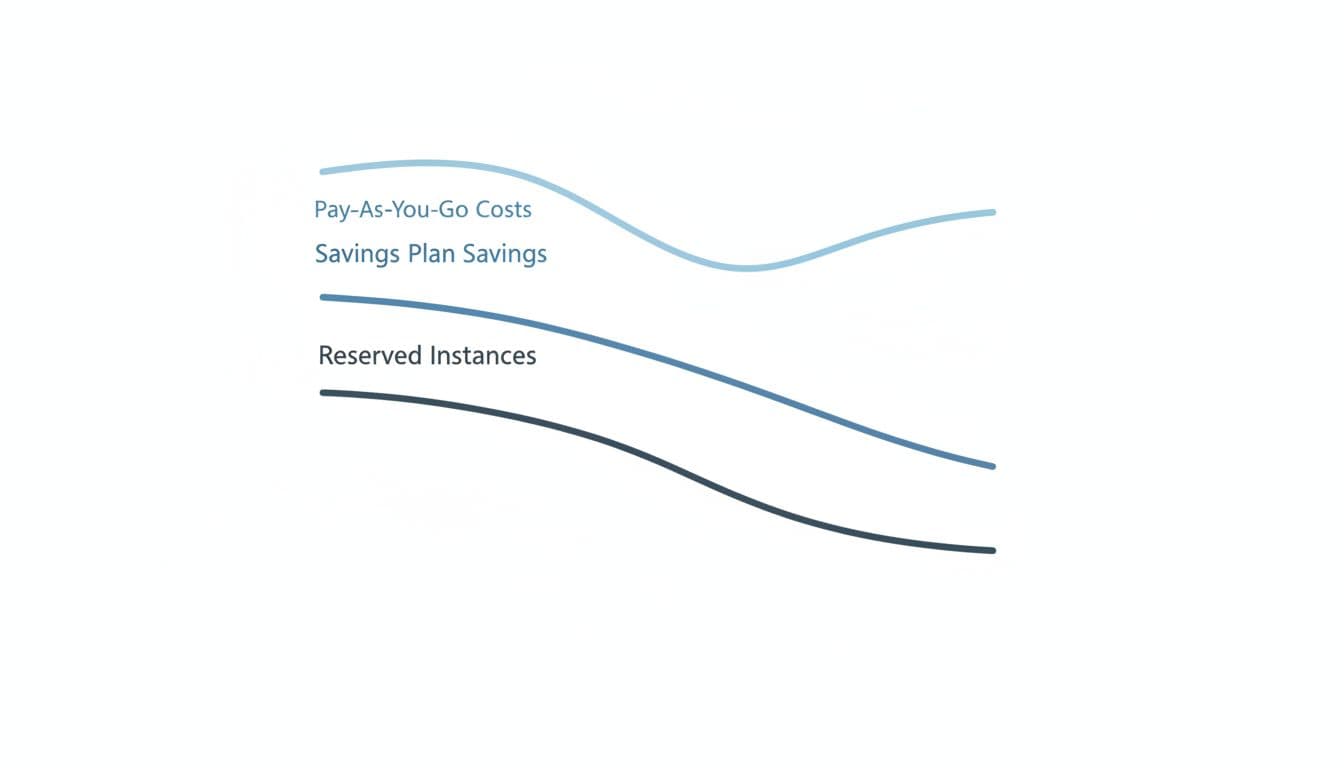
A savings plan applies to eligible compute usage up to your committed dollars per hour. If your usage stays above that floor, it works well and absorbs a lot of change. If modernization, decommissioning, or seasonality pulls usage below the commitment, you still pay the commitment. Your effective discount then shrinks.
Buy the more rigid option only after rightsizing. A discount on the wrong VM is still waste.
Reservations behave differently. They help only when a matching VM runs within scope. If you reserved a Dsv5 workload in East US and move it to another family or region, the reservation no longer lines up. On the other hand, if that cluster is going nowhere for years, the reservation often gives the cleanest unit-cost story for finance.
Budget predictability also differs. Reservations stabilize cost for a known VM footprint. Savings plans stabilize minimum spend across a broader compute pool. There is also an operational angle. Savings plans are billing instruments only. VM reservations can provide capacity priority in the target region, which matters in tight regions or fixed-placement designs. For another side-by-side view, Exodata’s 2026 comparison is a useful cross-check.
Post-purchase flexibility is another caveat. Savings plans are strict once purchased, while reservations may allow limited cancellation options under Azure policy. That makes forecasting more important before you commit.
Who should pick savings plans or reserved VMs
Choose a savings plan when change is expected
Savings plans fit estates that are still moving. They work well when teams resize often, switch VM families, spread workloads across regions, or expect to move some compute to App Service or Functions during the term.
A common case is a platform team with a stable spend floor, but an unstable VM mix. Development, batch work, and app tiers may change every quarter. In that setting, a savings plan usually captures more real savings than a stack of narrow reservations.
Choose Reserved VM Instances when the workload is stable
Reservations fit workloads that are boring in the best possible way. Pick them for steady production VMs with fixed sizing, known region placement, and a clear one-year or three-year life. They also suit cases where compliance keeps systems in one geography or where capacity priority matters.
A fixed SAP application tier or a 24×7 line-of-business cluster is a strong reservation candidate. Finance teams often prefer this model for known base load because the covered rate is easier to model over time.
Many large Azure estates use both. They reserve the always-on core, then place a savings plan over the variable layer.
A quick decision checklist
Use this short check before you buy:
- Your VM family and region will stay mostly unchanged for the full term.
- Rightsizing is already done, or close enough that rework risk is low.
- You have a steady compute floor, so an hourly spend commitment will stay well used.
- Migration to App Service, Functions, containers, or another region is likely during the term.
- Capacity priority in a busy region matters more than broad flexibility.
If the first, second, and fifth points are true, reservations usually fit better. If the third and fourth points dominate, a savings plan is often the safer choice. When the answers split, a blended model usually beats forcing one tool to cover both stable and changing workloads.
Conclusion
The Azure savings plan versus reserved instances choice is less about which discount looks bigger on paper. It is about how confident you are that today’s VM pattern will still exist next year.
Stable, region-bound workloads still favor Reserved VM Instances. Changing compute estates usually favor a savings plan, because a smaller discount is better than a larger mistake.

