A CI pipeline should feel like a locked room. Yet with GitHub Actions security, it’s easy to leave a window open without noticing. One unpinned action, one risky trigger, or one overly powerful token can turn “build and test” into “steal secrets and ship malware.”
Supply chain attacks against GitHub Actions keep working in 2026 because they blend into normal automation. Attackers don’t need a zero-day if your workflow already runs untrusted code, with credentials, on a runner that can reach production.
The good news is that a small set of controls stops most real-world attacks. They’re not glamorous, but they’re dependable.
How GitHub Actions supply chain attacks actually happen
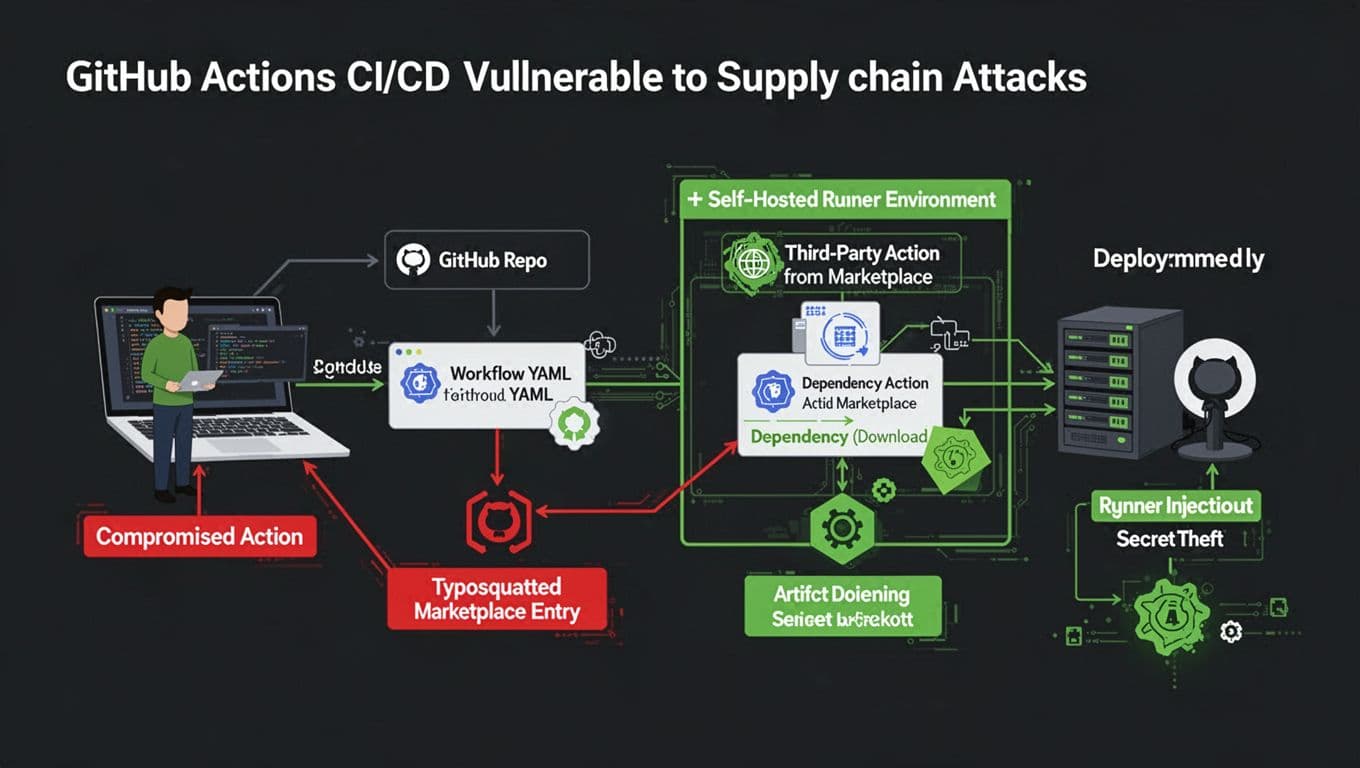
Most compromises follow the same pattern: the attacker changes what your workflow runs, or changes what your workflow trusts.
Sometimes that’s a compromised third-party action. Other times it’s a lookalike (typosquatting), or a tag that silently moves to new code. In 2025 and into 2026, widely discussed incidents showed how a popular community action can become a secret siphon overnight, especially when it prints values into logs or uploads them elsewhere.
Another path is dependency and artifact poisoning. If your workflow downloads packages during the build, an attacker can aim at registries, lockfiles, or install scripts. GitHub’s own guidance on defending against dependency supply chain attacks mirrors what CI compromises look like in practice: small upstream changes, big downstream blast radius.
Self-hosted runners add one more angle. If a runner is long-lived and shared, a single workflow can leave behind persistence. From there, later jobs can be tampered with, even if the workflow YAML looks clean.
Treat every workflow step as code execution by someone else, because that’s what it becomes the moment you pull from the outside.
A practical defense map: technique, impact, control
GitHub’s docs are clear that secure workflows come down to permissions, trust boundaries, and safe triggers. The best single reference to keep bookmarked is Security hardening for GitHub Actions, because it ties features to threat models.
Here’s a quick mapping you can use during reviews:
| Attack technique | Likely impact | Defense that works | How to implement |
|---|---|---|---|
| Compromised third-party action update | Secret theft, artifact tampering | Pin to immutable commit SHA | Use uses: owner/action@<full_sha> and review updates |
| Tag pinning (only) | Version drift, surprise code | Replace tags with SHAs | Don’t rely on @v1 or even @v1.2.3 for trust |
| Typosquatted action name | Run attacker code | Allowlist actions | Use org settings for allowed actions, review new additions |
pull_request_target misuse | Exfiltrate secrets from base repo | Avoid or heavily constrain | Prefer pull_request with no secrets, or gate with environments |
Overbroad GITHUB_TOKEN | Repo write, releases, PR edits | Least-privilege permissions | Set explicit permissions: at workflow and job scope |
| Self-hosted runner persistence | Lateral movement, hidden backdoors | Ephemeral runners, isolation | Rebuild runners per job, separate networks, restrict egress |
| Log-based exfiltration | Leaked tokens in logs | Don’t print secrets, avoid unsafe echo | Treat logs as public, use OIDC instead of static secrets |
| Artifact poisoning | Ship malicious builds | Provenance and attestations | Generate and verify SLSA provenance, verify inputs |
Common misconceptions that cause real incidents
Tag pinning isn’t immutable. Tags can move, and attackers count on it.
Secret masking isn’t a control. Masking fails with transforms, partials, or encoding. GitHub warns about this in its secure use reference.
Fork PRs are not “safe by default.” A single trigger choice can change everything.
Secure YAML patterns for GitHub Actions security
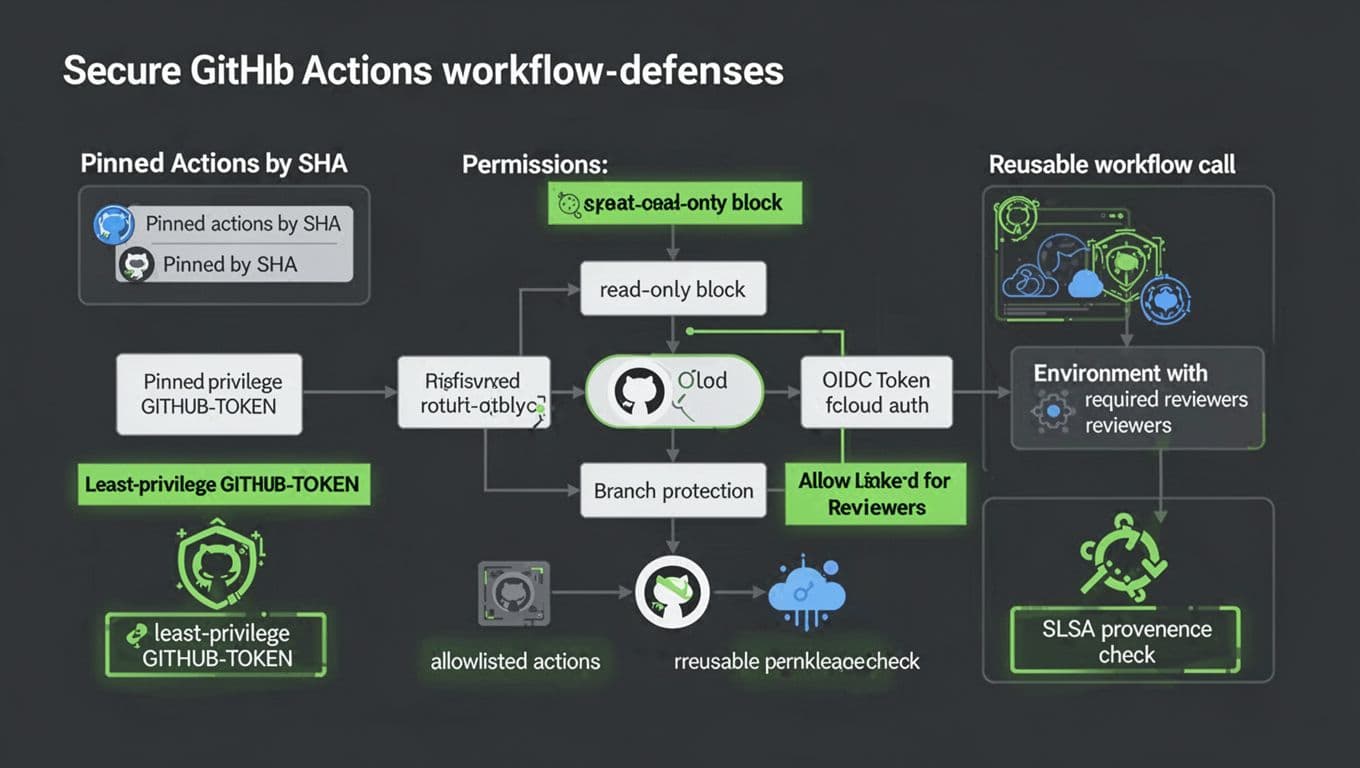
These patterns are boring on purpose. That’s why they work.
1) Set least-privilege token permissions
name: ci
on: [push, pull_request]
permissions:
  contents: read
If a job needs more, grant it at the job level, not globally.
2) Pin actions to a commit SHA (not a tag)
- name: Checkout
  uses: actions/checkout@b4ffde65f46336ab88eb53be808477a3936bae11
Make SHA updates a reviewed change, like dependency bumps.
3) Use OIDC instead of long-lived cloud keys
permissions:
  contents: read
  id-token: write
- name: Configure cloud auth (OIDC)
  uses: cloud/provider-oidc-action@<commit_sha>
OIDC reduces secret sprawl because the runner gets a short-lived token. It also limits replay value if something leaks.
4) Restrict workflow triggers and PR risk
on:
  pull_request:
    branches: [main]
    paths-ignore:
      - "docs/**"
  push:
    branches: [main]
Avoid pull_request_target unless you fully understand how it runs in the base repo context.
5) Use environments with required reviewers for production secrets
jobs:
  deploy:
    environment: production
    steps:
      - run: ./deploy.sh
Configure the environment in GitHub to require reviewers, so secrets don’t unlock on an unreviewed run.
6) Centralize policy with reusable workflows and typed inputs
Caller workflow:
jobs:
  build:
    uses: ./.github/workflows/reusable-build.yml
    with:
      node_version: "20"
    secrets: inherit
Reusable workflow:
on:
  workflow_call:
    inputs:
      node_version:
        required: true
        type: string
Reusable workflows reduce copy-paste drift, which is a quiet security killer.
For build provenance, start with the SLSA GitHub generator and verify attestations in downstream deploy jobs.
Guardrails for orgs and self-hosted runners
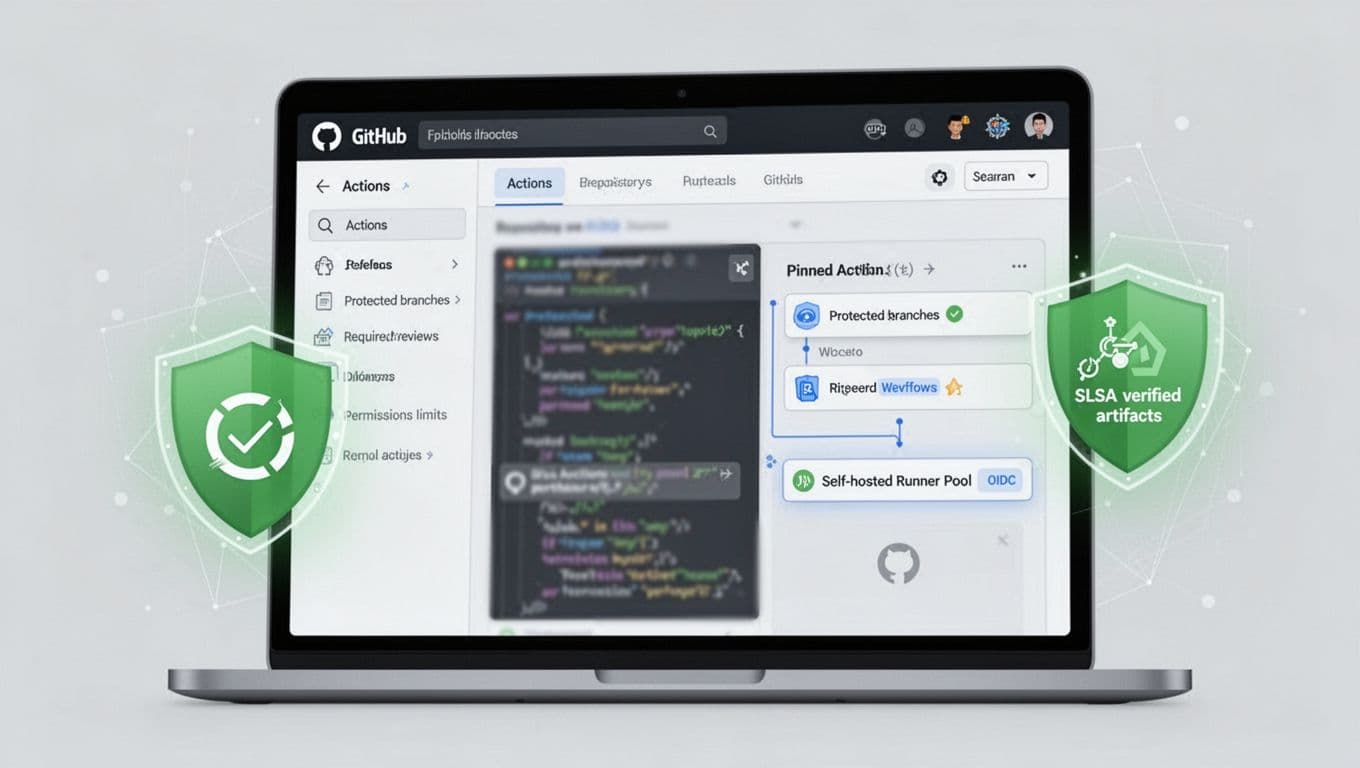
Workflow YAML is only half the story. Platform settings and runner design finish the job.
For organization settings, turn on an allowlist for actions, or restrict to GitHub-authored and verified publishers where possible. Then require branch protection for workflow changes, because attackers love editing .github/workflows/*.
Self-hosted runners need extra discipline. Keep them ephemeral when you can, isolate them from production networks, and block outbound traffic except to required endpoints. Also separate runners by trust level, because running untrusted PR code on a runner that can reach internal services is an invitation.
One more guardrail helps across the board: treat workflow changes like infrastructure changes. That means mandatory review, CI for CI, and fast rollback.
The goal isn’t “perfect security.” It’s making CI compromise expensive and noisy.
Conclusion
Supply chain attacks in GitHub Actions succeed when trust is implied instead of earned. Pin actions by SHA, cut token permissions, avoid risky triggers, and prefer OIDC over stored secrets. Add environments and reusable workflows so guardrails stay consistent. If you want one metric, track how many workflows still rely on mutable tags, because fixing that moves GitHub Actions security forward fast.

