Security drift is the real enemy in 2026. A tenant that looked clean six months ago can hide risky admin grants, quiet forwarding rules, stale OAuth tokens, and overshared drives today.
This Google Workspace security audit checklist is built for teams that already know the Admin console. The goal is simple, verify that core controls still work, find misconfigurations fast, and close the gaps attackers usually exploit first.
Lock down privileged access and identity first
Start with privileged access. Review every super admin, delegated admin, and break-glass account. Most domains carry too many powerful accounts because temporary access never gets removed.
Verify that each admin uses a named account, strong 2-Step Verification, and phishing-resistant login such as passkeys or security keys. Also check recovery options. Backup email addresses, weak phone recovery, and shared admin inboxes often undo strong authentication.
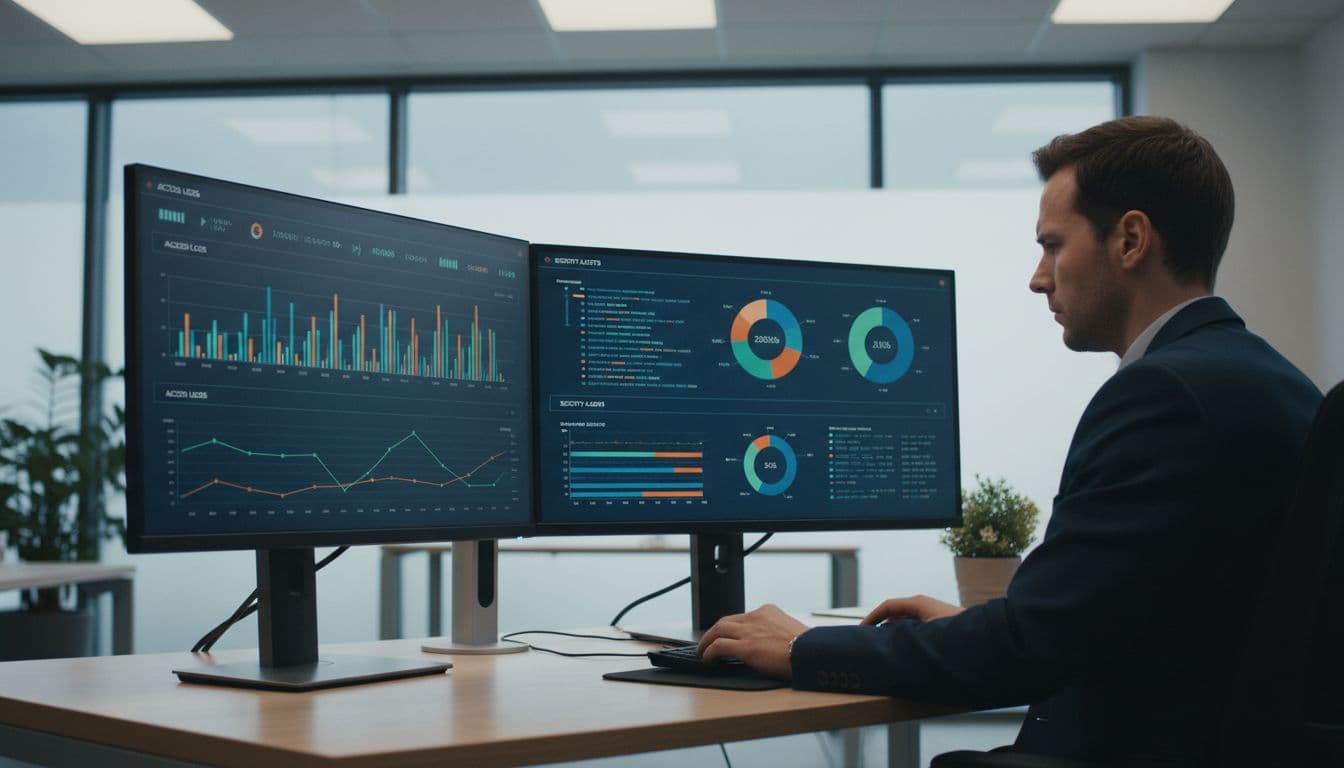
Use this quick baseline during the first pass:
| Area | Verify | Fix |
|---|---|---|
| Super admins | Small, named group | Reduce and document |
| Admin 2SV | Mandatory, phishing-resistant | Enforce passkeys or keys |
| Session trust | Re-auth for risky access | Tighten context-aware rules |
Review group-based privilege as well. Suspended users, delegated access through old groups, and help desk roles often survive longer than the business need. Also check re-auth windows for risky actions and confirm unmanaged devices can’t reach the Admin console.
Google’s security checklist for medium and large businesses is a solid benchmark for this baseline. Then sample audit logs. Look for role changes, failed login spikes, token abuse, and disabled alerts.
If 2SV is only allowed, it’s not a control. It’s a suggestion.
Audit Gmail and threat protections before attackers do
Email hardening comes next because Gmail still carries the first hit in most incidents. In 2026, AI-written phishing is polished enough to fool rushed staff, so layered checks matter more than one perfect rule.
Review spoofing protections, attachment and link scanning, executive impersonation rules, and inbound gateway settings. Test quarantine flows too. A control nobody reviews is like a smoke alarm with the battery out.
Then inspect exfiltration paths. Auto-forwarding should be blocked or tightly limited. Routing rules, journaling, and content compliance actions deserve the same scrutiny, especially if they send mail outside the domain.
Pull a sample of message logs from recent alerts. Verify that investigators can trace sender authentication, user clicks, and policy actions without waiting on another team. Also review Meet safety settings for external joins and recording access, because impersonation risk now reaches beyond inboxes.
For a practical outside cross-check, this 2026 security checklist covers DMARC, forwarding, and domain spoofing controls. Finally, audit alerts. High-risk Gmail alerts need a real owner, a live queue, and a short response playbook, not a shared inbox nobody watches.
Review Drive sharing, DLP, and app access
After email, inspect where data can quietly leave. Most leaks start with convenience, not malice. Someone shares a file to a personal address, grants an app too much Drive access, or leaves an old shared drive open to contractors.
Check sharing defaults first. Restrict public links, review external sharing by organizational unit, and confirm each shared drive has an active owner team. Then review labels, DLP rules, retention, and data region settings if your compliance model depends on residency controls.
Focus on these reports during the audit:
- Drive exposure: Public links, external collaborators, orphaned files, and stale shared drives.
- DLP coverage: Rules that protect Gmail, Drive, and Chat, not just one service.
- OAuth grants: Apps with broad scopes, unverified publishers, or low business value.
- AI app use: Connectors and add-ons that can read or export sensitive content.
Don’t ignore group permissions tied to Drive sharing. A well-meaning department group can expose far more than one bad file if external member controls are loose.
If file governance needs work, this DLP checklist is a useful cross-check. Public links, broad OAuth scopes, and old vendor access should move straight to remediation, not a future backlog.
Check endpoint trust, logs, and response time
Device trust closes the loop. Strong identity controls lose value when unmanaged laptops and personal phones still sync company data.
Audit enrolled devices against actual access. Separate fully managed devices from basic sync clients, and confirm policy applies before access, not after. Check screen lock, disk encryption, OS minimum versions, browser requirements, and remote wipe status. Pay close attention to executive and contractor devices, because exceptions collect there first.
Browser-based access deserves its own review. Teams often block mobile sync but still allow unmanaged browsers to open, download, and print sensitive files.
Next, verify logging and response readiness. Keep admin, login, Drive, and token events long enough for investigations, and export what your team needs to a central system. Alerts should map to owned playbooks for account takeover, insider sharing, malicious OAuth grants, and lost devices.
Run one tabletop before closing the audit. If an attacker created a mail filter at 2 a.m., approved a risky app, and downloaded files from an unmanaged device, could your team spot it and act within an hour?
Turn audit findings into an operating routine
An audit only helps if findings move to owners and dates. Tag each issue by exposure, affected users, and control gap. Then split same-day fixes from policy work.
Use three lanes. First, contain public links, compromised tokens, and risky forwarding rules. Next, harden role cleanup, DLP gaps, and device exceptions. Finally, plan longer work such as broader context-aware access, AI governance, and data sovereignty controls.
Keep evidence. Save screenshots, log references, remediation dates, and approved exceptions. That record helps with internal review, insurance questions, and compliance checks. It also shows whether the same weakness keeps coming back.
A strong audit isn’t a once-a-year project. It’s a repeatable check on identity, data, apps, devices, and response time. Build evidence, track exceptions to closure, and re-run the highest-risk checks monthly. The safest Google Workspace tenant is usually the one with the fewest unknowns.

