Most identity programs can name every employee account. Far fewer can explain every bot, service account, API key, OAuth grant, and workload identity in production. That blind spot is where risk grows.
A solid nonhuman identity audit answers one simple question: which machines can access what, why, and under whose approval? In 2026, that means auditing AWS, Azure, Google Cloud, Kubernetes, CI/CD, and SaaS as one connected system, not as separate admin consoles.
Why nonhuman identities are harder to govern now
Machine identities spread quietly. One app may use an AWS role, an Azure service principal, a GCP service account, a Kubernetes service account, a GitHub Actions trust path, and a Salesforce token. Each piece looks small. Together, they act like a ring of master keys.
That complexity hides real problems. A token may still work long after the vendor integration was retired. A service account may look active even though no team owns it. If you need a quick category map, Okta’s overview of non-human identities is a useful reference.
As of March 2026, the best pattern is consistent across platforms. Use automated discovery, shrink access to real need, prefer short-lived credentials, and watch behavior all the time. For AWS, that means roles over long-term users, plus CloudTrail and Access Analyzer. In Azure, review service principals, managed identities, app registrations, and credential age. In Google Cloud, focus on service accounts, key creation, impersonation rights, and actual usage. For Kubernetes and CI/CD, secret-less federation through OIDC beats stored keys.

The riskiest records usually share the same traits. They have missing ownership, broad access, weak rotation, or no retirement trigger. Old grants pile up over time, and Okta’s guidance on NHI privilege creep explains why stale access survives long after the project changes.
If an identity has no owner, treat it as high risk until someone proves it belongs in production.
The audit checklist for cloud, Kubernetes, CI/CD, and SaaS
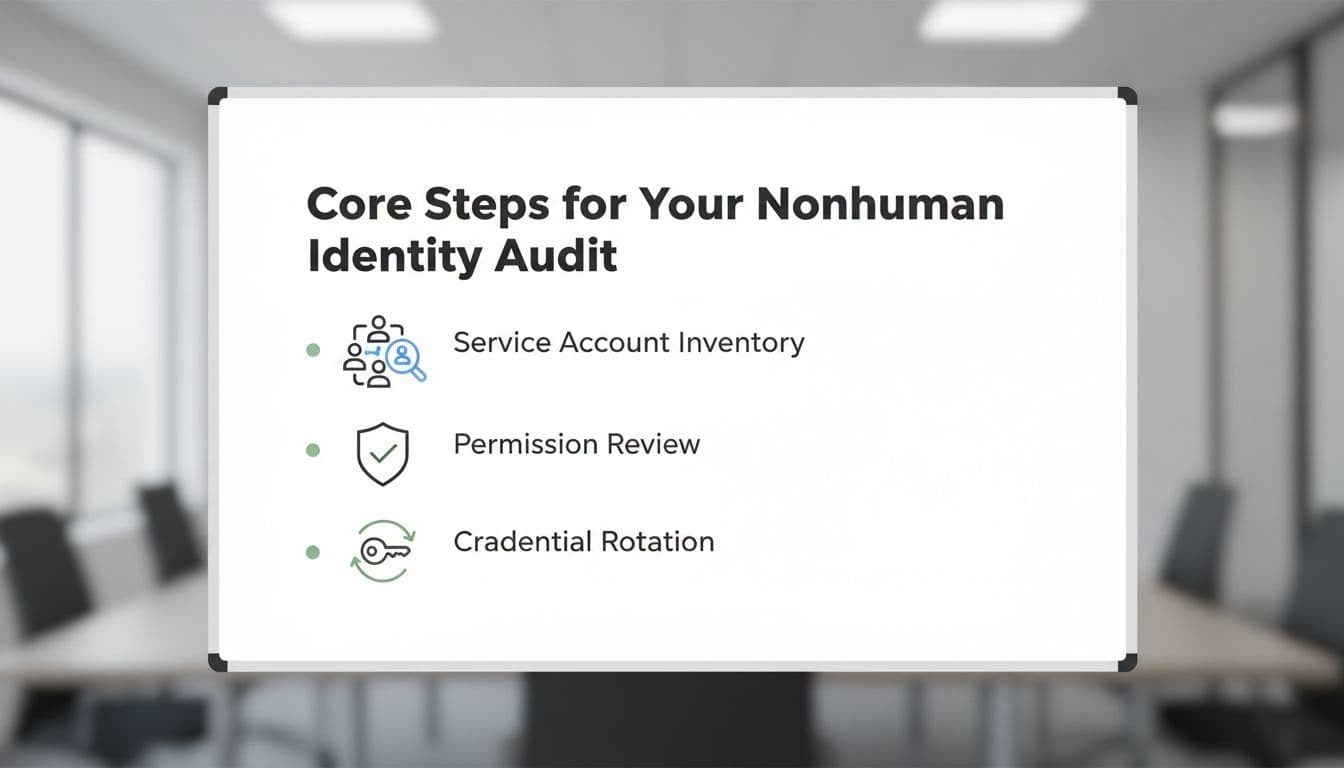
Start by building one inventory. Pull identities from AWS IAM, Azure Entra ID, Google Cloud, Kubernetes, CI/CD tools, secret stores, Okta, Salesforce, GitHub, and any major SaaS app with API access. Then normalize the data so every record has the same fields.
This matrix helps teams focus on the checks that matter most.
| Platform | What to inventory | High-risk findings |
|---|---|---|
| AWS | IAM roles, workload users, access keys, trust policies | Long-lived keys, wildcard actions, unsafe cross-account trust |
| Azure | Service principals, managed identities, app creds | Missing owners, unused secrets, broad tenant or subscription roles |
| Google Cloud | Service accounts, keys, impersonation rights | User-managed keys, editor-like roles, no last-used review |
| Kubernetes | Service accounts, RoleBindings, ClusterRoleBindings | Default account use, cluster-admin grants, mounted long-lived tokens |
| CI/CD | GitHub Actions, GitLab, runners, build agents, OIDC trust | Stored cloud keys, wide repo trust, shared runners with prod access |
| SaaS | OAuth apps, bots, API tokens, integration users | Unmanaged third-party apps, excessive scopes, no business owner |
For example, flag AWS IAM users tied to workloads, Azure app registrations with forgotten client secrets, GCP user-managed keys, pods using the default Kubernetes service account, GitHub Actions workflows storing cloud keys, and Salesforce integration users with admin-level rights.
For each identity, capture these checklist items:
- Owner and backup owner: Map to a team, system, and approver.
- Purpose: State the workload, pipeline, or integration it supports.
- Auth method: Prefer managed identities, federation, or short-lived tokens.
- Last used date: Pull from logs, not ticket history.
- Permission scope: Compare granted access with real actions.
- Credential location: Find keys in vaults, repos, CI variables, and container images.
- Rotation status: Record age, last rotation, and automatic rotation coverage.
- Retirement trigger: Tie removal to app shutdown, contract end, or pipeline deletion.
A practical service account audit guide can help teams run a repeatable first pass.
Then test the access model itself. Zero trust works well here because it treats workloads as untrusted until policy allows a narrow action. Use least privilege for normal operation, just-in-time access for rare admin tasks, and workload identity federation so pipelines exchange trusted assertions for temporary cloud access instead of storing secrets.
How to find orphaned or overprivileged identities fast
Look for evidence, not labels. An automation account with no log activity in 90 days is probably dead. A Kubernetes service account bound to cluster-admin for a read-only app is overprivileged. A CI role trusted by every branch in a repo is usually wider than intended.
The most common findings repeat across tools and teams:
- Unused service accounts: Disable, watch for breakage, then delete.
- Long-lived credentials: Replace access keys and client secrets with federation or managed identities.
- Excessive permissions: Remove wildcards, broad admin roles, and toxic combinations.
- Hardcoded secrets: Scan repos, CI variables, images, and IaC state files.
- Unmanaged OAuth integrations: Review scopes, token age, vendor need, and offboarding status.
- Missing ownership: Escalate to the app owner or quarantine the identity.
Continuous monitoring turns the audit from a snapshot into a control. Use CloudTrail, Azure activity and sign-in logs, GCP audit logs, Kubernetes audit logs, and SaaS admin logs to compare granted access with actual behavior. Watch for odd IP ranges, sudden API spikes, access outside deployment windows, or tokens calling apps they never touched before.
For teams building a longer-term review and certification process, this NHI governance guide lines up well with quarterly owner reviews and lifecycle controls.
A nonhuman identity audit shouldn’t live in a spreadsheet once a year. It belongs in your cloud logs, pipelines, secret stores, and SaaS admin workflows. Start with inventory, prove ownership, cut standing access, and review real usage every 90 days. In 2026, the safest machine credential is the one you never had to store.

