Patch Tuesday is like a fire drill you didn’t schedule. Some months, it’s routine. Other months, it’s six exploited zero-days and a room full of stakeholders asking for an ETA.
A repeatable patch tuesday triage process keeps you out of “patch everything everywhere” panic. It also helps you ship faster when the risk is real, and slower when the risk is hype. This playbook focuses on Day 0 intake, risk scoring, ringed rollout, and fast troubleshooting across Intune, WSUS, and MECM.
What “patch Tuesday triage” looks like in 2026 (signals first, not gut feel)
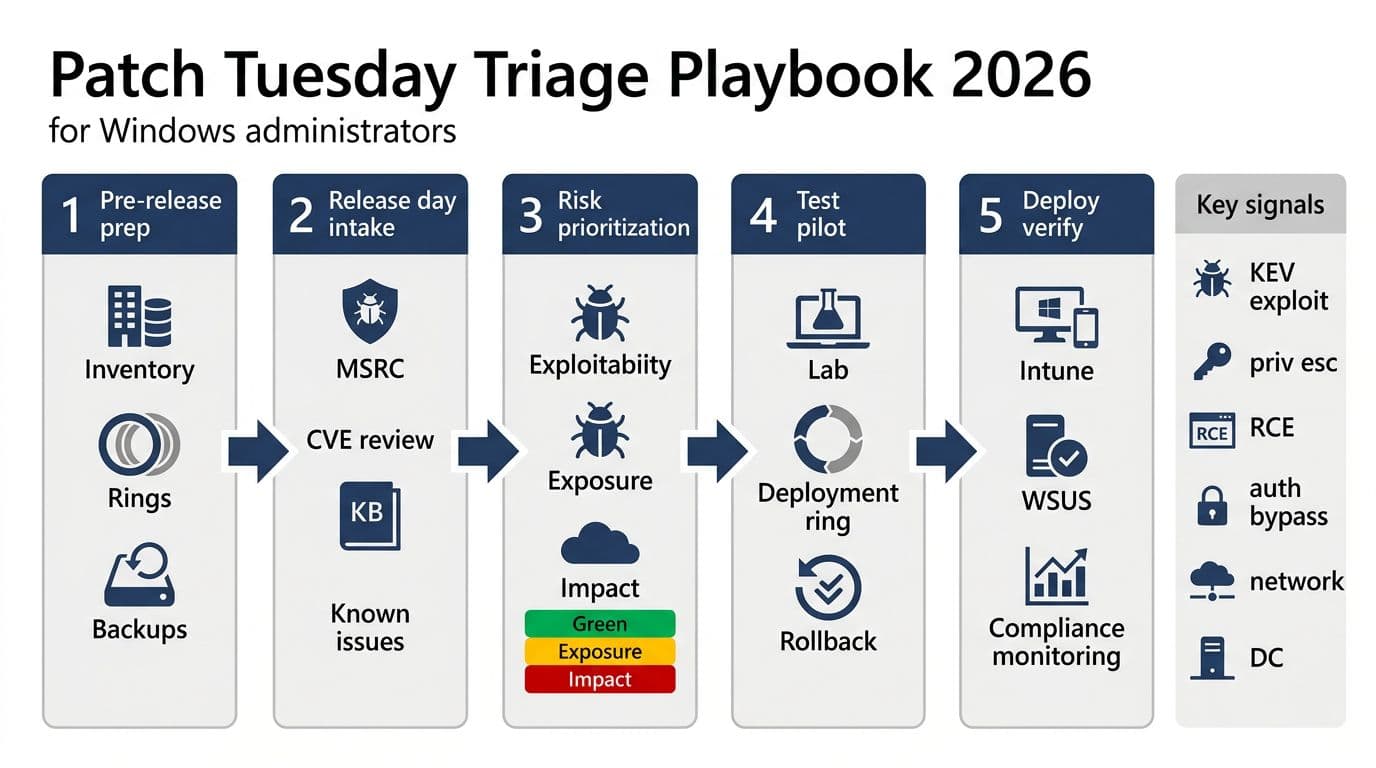
In 2026, triage starts with authoritative sources, then you layer your own exposure data on top. Begin with Microsoft’s release notes and KBs, because they define what actually shipped. For February 2026, Microsoft’s patch release fixed dozens of issues and included multiple actively exploited zero-days, a good reminder that “normal month” is not guaranteed. Use the Microsoft Security Update Guide release notes (Feb 2026) as your canonical intake page.
Next, check known issues and safeguards before you approve anything broadly. Microsoft often flags blocks, regressions, and mitigations there. Keep Windows release health open during your full rollout window, not just on release morning.
Now add external exploitation context. If CISA tags a CVE as exploited, that changes the pace and the comms. Tie this into your zero-trust posture: internet-facing servers, identity systems, and remote access paths move to the front of the line.
Treat “known exploited” like an incident input, not a nice-to-have. It’s the difference between planned work and emergency work.
Finally, validate your internal blast radius. Defender telemetry, EDR alerts, and vulnerability exposure (TVM) should answer: “Do we have the feature exposed, and do we see suspicious activity?” If you can’t answer that quickly, fix your inventory and telemetry before the next cycle.
Day 0 triage one-pager (copy, paste, and run every month)
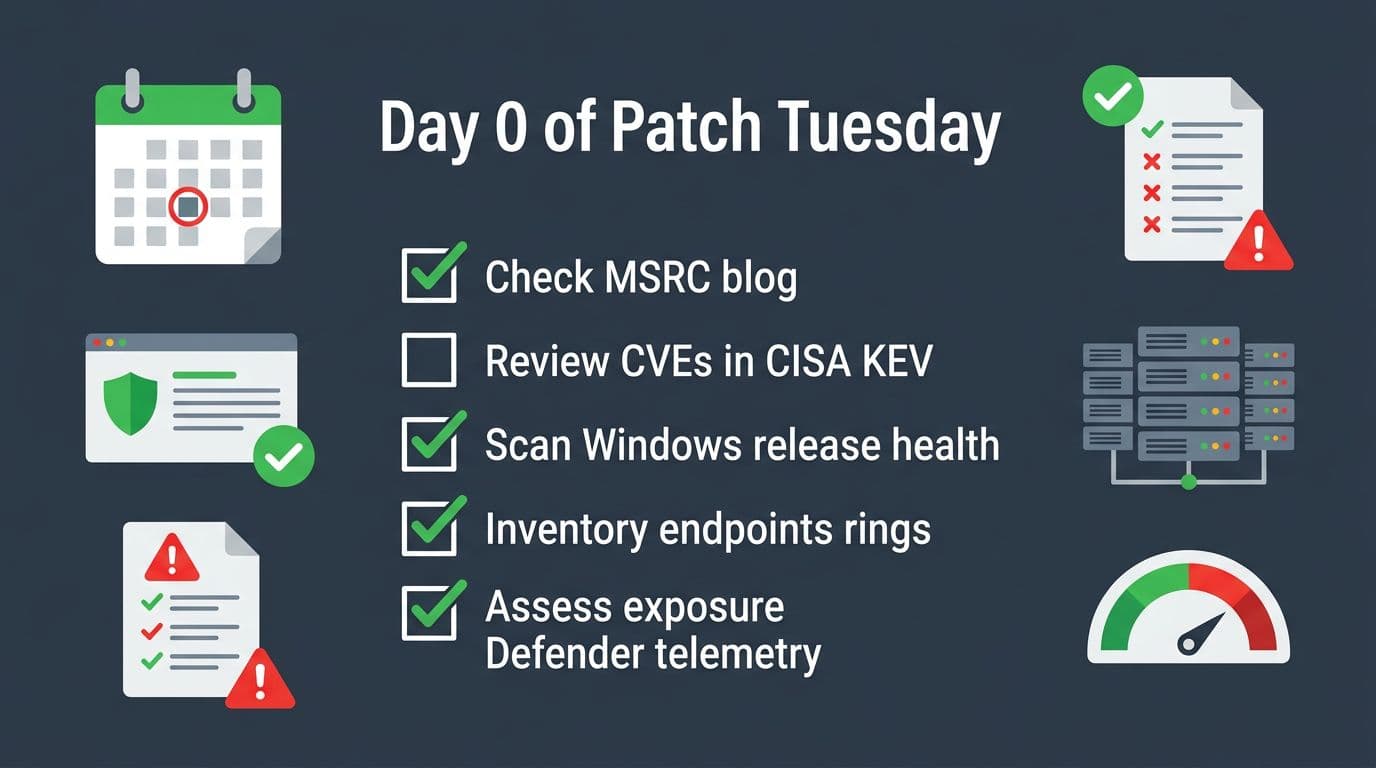
This is the compact “Day 0” runbook for patch tuesday triage. Run it in order, because each step narrows scope and reduces wasted testing.
| Time box | What you do | Output you need |
|---|---|---|
| First 30 minutes | Review MSRC release notes, list affected products, flag Critical and exploited | Initial risk summary for SecOps and change control |
| Next 30 minutes | Check CISA KEV adds and due dates, then map to your exposure | “Expedite” list vs “normal ring” list |
| Next 60 minutes | Scan Windows release health for known issues, safeguards, and workarounds | Go or no-go notes per OS build and device class |
| Next 2 hours | Confirm update packages and KBs for your fleet, validate prerequisites | Targeted deployment plan (rings, deadlines, maintenance windows) |
| Same day | Pilot ring deploy, watch failure rate, reboot rate, and app smoke tests | Decision to expand, pause, or roll back |
Two quick decision points keep this honest. First, is there confirmed exploitation? Use the CISA KEV alert for Feb 2026 adds and the broader Known Exploited Vulnerabilities Catalog. Second, do known issues affect your build, drivers, or security baselines?
For a concrete example, if your Windows 11 estate matches the February 2026 cumulative update, track the specific KB in your CAB notes, including restart expectations and known issue links. Microsoft’s KB pages are your best “what changed” reference, for example KB5077181 details for Windows 11.
Deploy with rings, then verify, then troubleshoot (without breaking change control)
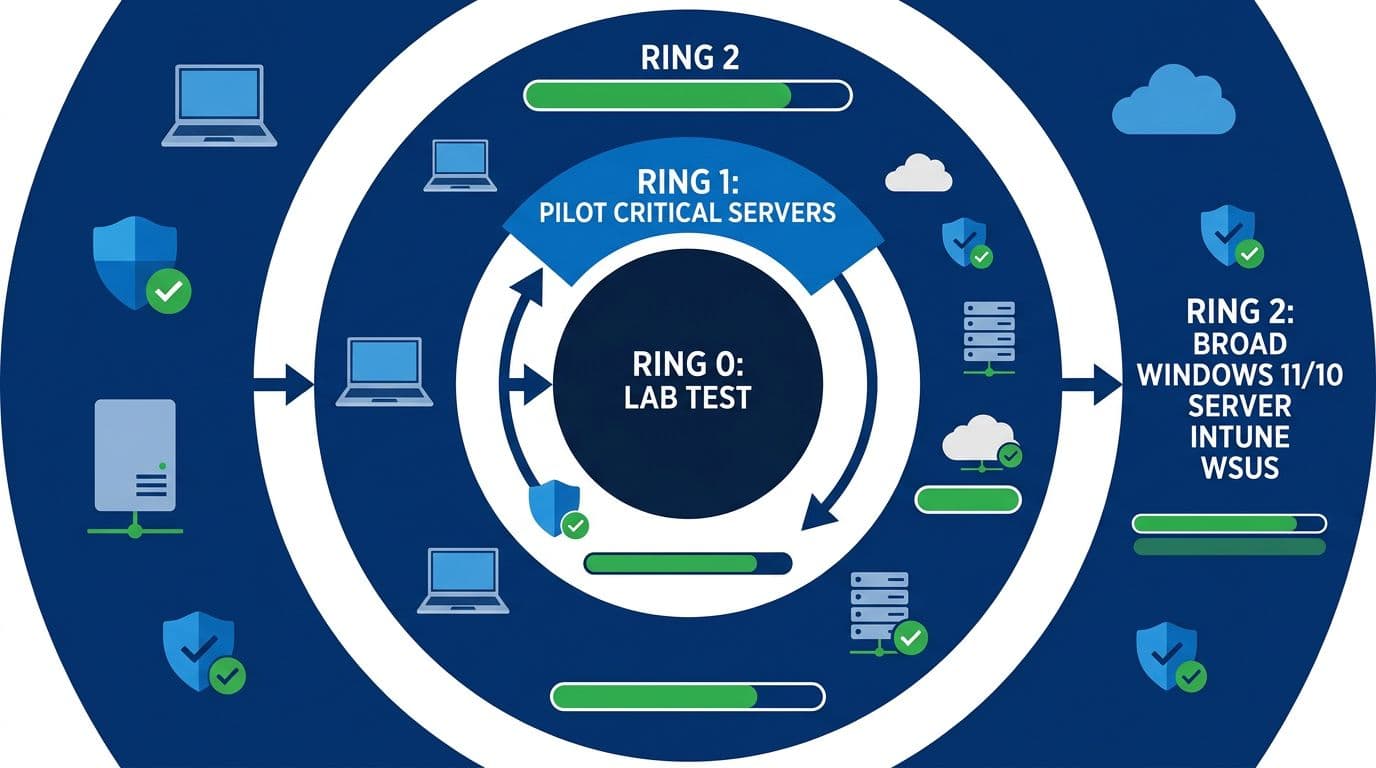
Deployment moves that reduce risk fast
Ring discipline matters more than the tool. Keep Ring 0 small (lab and canaries), Ring 1 representative (IT and power users), then Ring 2 broad. For servers, mirror the concept: test, then low-risk production, then identity and core services.
For Intune, Quality Updates policies and deadlines are your control knobs. When exploitation is confirmed or KEV calls it out, use expedited paths for the smallest necessary scope first (remote workforce devices, privileged users, and exposed endpoints). A practical walkthrough is in how to expedite Windows updates with Intune.
On WSUS and MECM, don’t “approve all security updates” blindly. Approve by product and severity, and stage approvals by ring. If you run MECM, align ADRs, maintenance windows, and SUP sync timing with Microsoft’s release cadence. Microsoft’s guidance still holds up, see Configuration Manager software updates best practices.
Verification should be boring. Sample a few devices per ring and confirm patch presence and health. Simple checks help during war rooms: Get-HotFix | Select-Object -First 5 for quick validation, and Get-WinEvent -LogName Microsoft-Windows-WindowsUpdateClient/Operational -MaxEvents 20 to spot repeat errors.
Common failure modes and fixes your help desk can follow
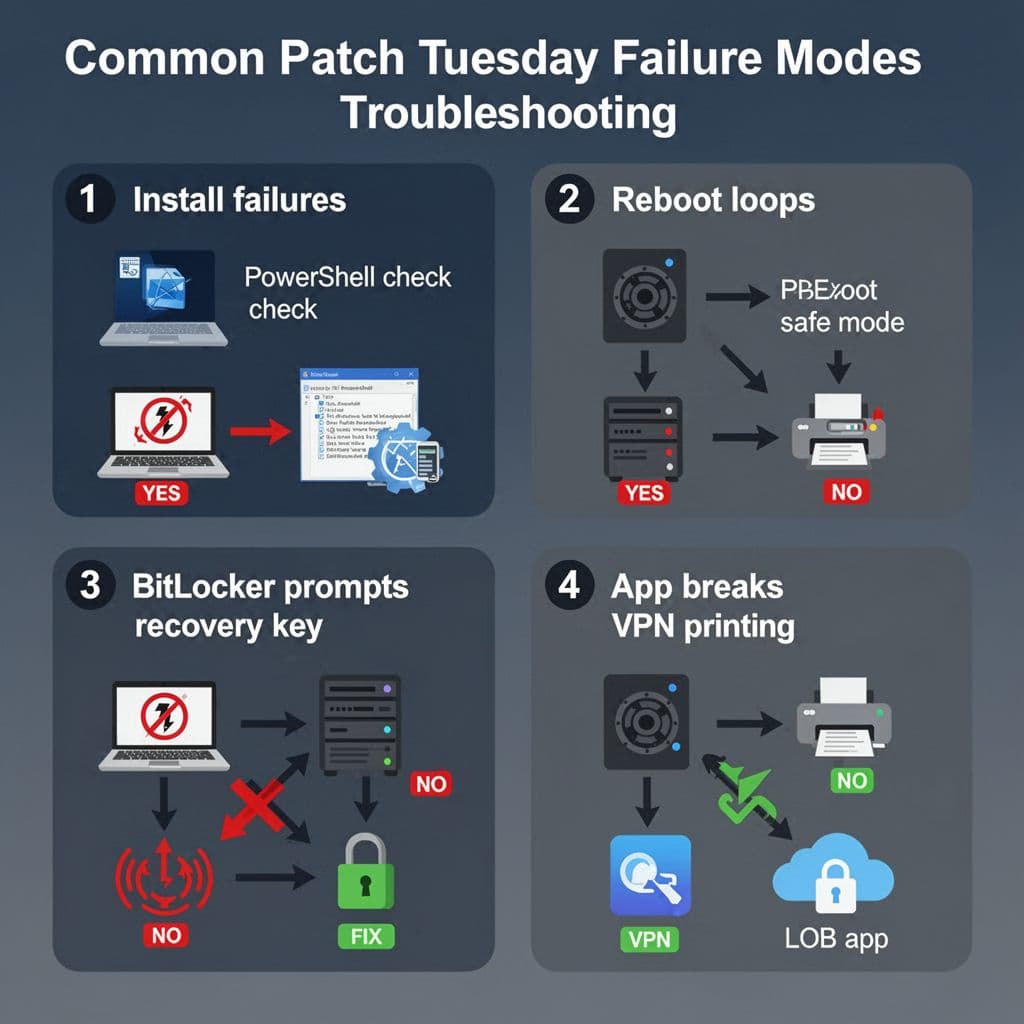
Install failures (0x800fxxxx, stuck at 0%) usually come from servicing stack issues, disk pressure, or corrupted component store. First, check free space and retry once after a reboot. If it still fails, run DISM /Online /Cleanup-Image /RestoreHealth followed by sfc /scannow, then attempt install again in the same servicing window.
Reboot loops need quick containment. Pull the device into WinRE or Safe Mode, then uninstall the latest quality update if the loop began right after patching. If you can’t reach Safe Mode, plan for recovery media and re-image rules that your change process already approved.
BitLocker recovery prompts often spike after firmware, Secure Boot, or boot policy changes. Before broad rollout, confirm recovery keys escrow correctly (Entra ID or AD DS), and verify your baseline doesn’t block measurement changes. When users hit recovery, treat it as a process issue, not user error.
Printing, VPN/SSO, and LOB app breaks should be caught in Ring 1 with a short smoke test script. Keep it simple: print a test page, connect the VPN, and validate sign-in tokens. If the issue is widespread, pause Ring 2 and use release health notes and vendor guidance to choose mitigation versus rollback.
If pilots show a rising failure rate, stop expanding. A paused rollout beats a company-wide outage.
Conclusion
Patch Tuesday doesn’t reward heroics, it rewards repetition. A tight patch tuesday triage loop, grounded in MSRC, release health, and KEV, helps you move fast when attackers move first. Keep rings strict, automate verification, and document your pause and rollback triggers before you need them. Next cycle, ask one question: what would make Day 0 faster, and fix that now.

