A VPN can look cheap until your team spends weekends fixing routes, split DNS, and broken client configs. When you compare Tailscale pricing with a traditional VPN, the bigger question is how much work the lower sticker price hides.
In 2026, Tailscale’s plan lineup is easy to read, but the right tier still depends on identity, policy, logging, and support. For most IT teams, the smartest move is to price the product against your real access model, not against a firewall renewal alone.
What Tailscale costs in 2026
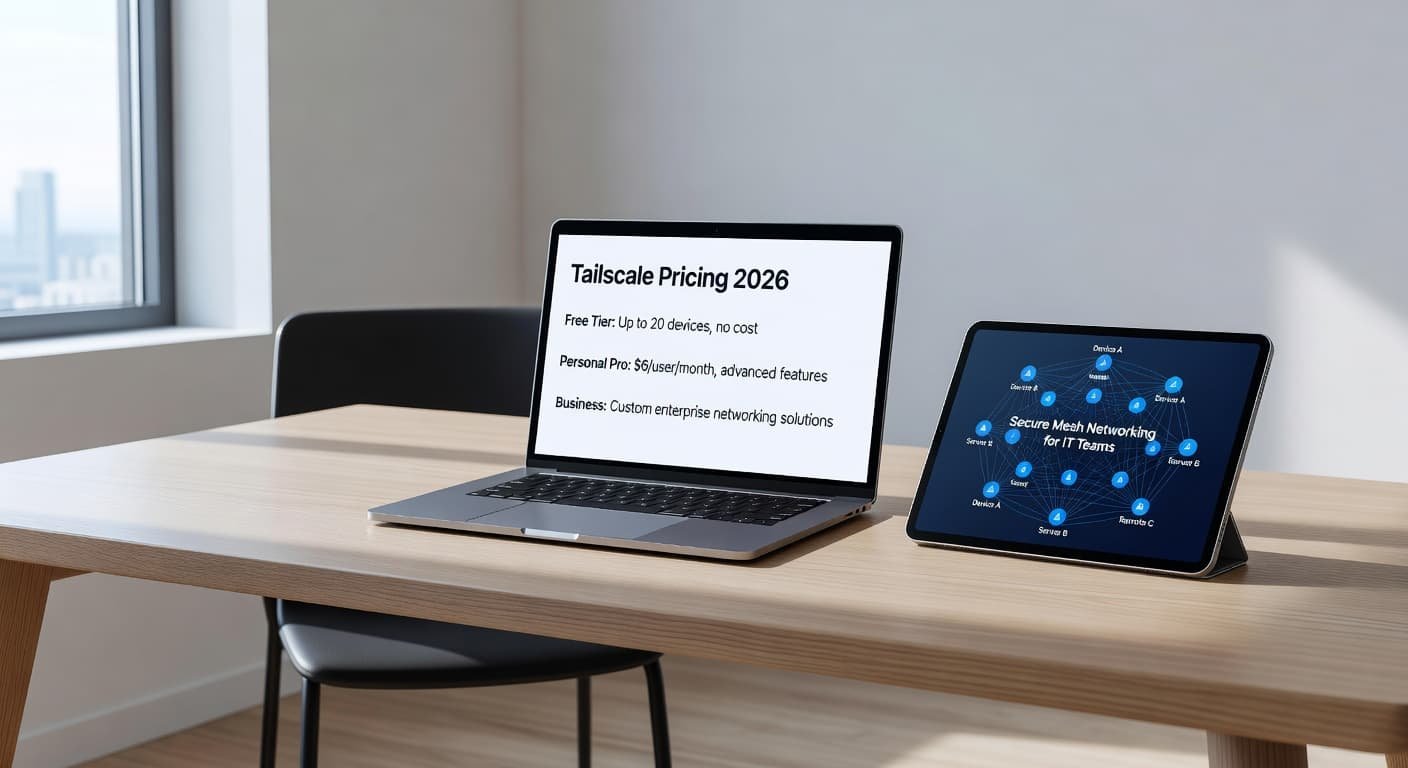
As of June 2026, Tailscale’s business pricing is simple. The free Personal plan covers up to 6 users. Paid business plans are Standard at $8 per user per month, Premium at $18 per user per month, and Enterprise with custom pricing.
The short version looks like this:
| Plan | 2026 price | Best fit | Budget note |
|---|---|---|---|
| Personal | Free | Labs, founder-led setups, very small teams | Up to 6 users |
| Standard | $8/user/month | Small teams replacing VPN access | Entry paid tier, unlimited user devices |
| Premium | $18/user/month | SMBs with stronger security and compliance needs | Higher cost, broader controls and support |
| Enterprise | Custom | Large organizations | Contract terms, SLAs, invoice billing, implementation help |
There isn’t a current paid plan literally called “Starter.” If you see older pricing pages, procurement notes, or marketplace snapshots using names like “Starter,” “Team,” or “Business,” treat them as historical references. In the current lineup, Standard is the starter-style paid option for business buyers.
Standard’s value is easy to miss at first glance. It includes unlimited user devices, so you don’t get punished when each admin uses a laptop, phone, and test machine. Tailscale also includes 50 tagged resources on lower plans, then charges $1 per month for each extra tagged resource. That matters if you tag a large number of shared servers, service nodes, or network connectors.
Buying note: old web references can make Tailscale look cheaper or more confusing than it is today. Match any quote to the current plan names before you build a budget.
If your finance team finds older marketplace data, Vendr’s Tailscale marketplace page shows how plan names and rates can drift across third-party sources.
What actually drives the bill for IT teams
The per-user fee is only the first layer. A VPN replacement lives or dies on scope. If Tailscale is only for admins, developers, and network staff, Standard can stay inexpensive. If every employee, contractor, and outside vendor gets access, the monthly bill climbs fast.
Device growth is less of a problem than many buyers expect. Because Standard includes unlimited user devices, a 40-person team still pays for 40 users, even if each person has several endpoints. On the other hand, shared infrastructure can add cost through tagged resources. A company with many internal apps, subnet routers, bastion-style nodes, and service connectors can outgrow the included pool sooner than expected.
The next cost jump usually comes from governance. ACL and policy needs get more serious once access expands beyond a small technical team. The same goes for SSO, SCIM provisioning, audit logging, and support commitments. A team can tolerate manual user lifecycle work at 10 seats. At 100 seats, that manual work becomes a budget item of its own.
Subnet routers and exit nodes also shape the buying decision. They can cut down on legacy VPN sprawl because they let you expose networks or route traffic without installing clients everywhere. Still, they bring design choices around route ownership, internet egress, segmentation, and failure handling. Those choices don’t always show up as a separate line item, but they often push teams toward Premium or Enterprise because the security team wants tighter control and better support.
This is where Tailscale differs from many legacy VPN products. Traditional VPN spend often hides in appliance renewals, firewall bundles, and troubleshooting hours. Tailscale makes more of the cost visible up front, which is useful for planning, but it also forces you to be honest about who really needs access.
Where each plan tends to fit
Most teams don’t need Enterprise on day one. The better question is which plan matches your current access pattern, your identity stack, and your audit pressure.
Small IT team, limited private access
For a very small group, the free Personal plan can work as a test bed. It fits a lab, a proof of concept, or a founder-run setup with fewer than 6 users. For business use, though, most teams should start their real budget on Standard.
An 8-person admin or engineering team on Standard costs $64 per month. If that same team needs 20 tagged resources beyond the included amount, the cost is still only about $84 monthly. For replacing a brittle admin VPN, that is often easy to defend.
This is the sweet spot for teams that mainly want secure reachability to servers, NAS devices, staging environments, or private cloud workloads. If your identity and audit needs are modest, Standard is often enough.
Growing SMB with mixed user groups
Once access expands past IT, the seat model becomes real. A 60-user rollout on Standard costs $480 per month. Premium lifts that to $1,080 per month, so the gap gets attention quickly.
For many SMBs, the Premium case rests on process, not raw connectivity. If HR needs clean onboarding and offboarding, your IdP team wants SCIM, and your security team wants stronger policy controls and better logs, the higher price starts to make sense. The same applies when you rely on subnet routers to bridge office networks or branch systems into the tailnet and need closer oversight of who can reach what.
A growing company often gets stuck between two bad options. One is a low seat cost with too much manual admin work. The other is a bigger monthly bill that removes recurring access pain. Premium is easier to justify when the security team already spends time cleaning up account drift, permission sprawl, or audit requests.
Larger organizations and regulated environments
At larger scale, list pricing is only the first step. A 400-user deployment would price at about $3,200 per month on Standard and about $7,200 on Premium. That looks like a straightforward comparison until legal, procurement, and compliance teams join the meeting.
Enterprise buyers usually care less about the headline seat price and more about contract terms. They want invoice billing, defined SLAs, implementation help, support routing, and commercial terms that fit the rest of the stack. They also tend to need tighter controls around identity federation, user provisioning, logging, and internal audit evidence.
Scope matters even more at this size. A 1,000-person company does not always need a 1,000-seat remote access deployment. If only 80 engineers, SREs, and admins need private network access, Tailscale can stay fairly contained. If private access extends to most staff, then it should be priced like a core access service, not a niche admin tool.
How Tailscale compares with traditional VPN spending
A firewall-based VPN often looks cheaper because the cost is buried in a broader renewal. That doesn’t mean it costs less to run. You still pay through public exposure, client support, HA design, route conflicts, certificate upkeep, and the time lost when remote access breaks on a Friday night.
Tailscale flips that model. The spend is visible because it sits in a clear per-user subscription. For distributed teams, that clarity helps. You can start with one group, measure adoption, and avoid buying more appliance capacity before you need it. A practitioner video on ditching a traditional VPN for Tailscale captures why many admins accept the seat fee in exchange for less tunnel maintenance.
Compare Tailscale against the full cost of remote access, including support hours and policy work, not only the firewall line item.
Still, Tailscale isn’t always the lowest-cost choice. If your environment is mostly stable site-to-site links between offices, and your firewall estate already handles that well, a classic VPN may remain cheaper. If you’re weighing broader VPN replacement and zero-trust-style access options, StrongDM’s 2026 alternatives overview is a useful outside reference for where Tailscale sits in the market.
The buying takeaway
Tailscale’s 2026 pricing is simple on paper. The harder part is deciding who needs access and which controls your team can’t give up.
For small VPN replacement projects, Standard is usually the first paid plan to price. Premium and Enterprise earn their place when governance, identity, logging, and support drive the decision.
The best budget model compares seat cost with the real work your current VPN creates. Once you do that, Tailscale often looks less like a pricey remote access tool and more like a cleaner operating model.

