The monthly core rate rarely tells you what a branch rollout will really cost.
If you’re sizing Azure Local pricing for branch sites or edge workloads, the Microsoft line item is only one part of the bill. Hardware, support, connectivity, backup, and site operations often matter more than the per-core charge.
The good news is that Microsoft’s model is easier to read in 2026. The harder part is building a realistic cost view for each site, then scaling that view across dozens of sites.
What Microsoft charges for Azure Local in 2026
Azure Local runs on your hardware, but Microsoft bills it through your Azure subscription. According to the official Azure Local pricing page and the current billing guidance in Microsoft Learn, the service is billed per physical core on your on-premises servers.
As of April 2026, Microsoft’s public pricing information lists the Azure Local host service at $0 per physical core per month. It also lists the Windows Server guest subscription at $23.30 per physical core per month under pay-as-you-go. If you qualify for Azure Hybrid Benefit, with active Windows Server Datacenter licenses and Software Assurance, that guest Windows charge can drop to $0 for eligible use.
AKS on Azure Local is included in current public pricing. Linux guest licensing is separate. So are other Azure services you may attach, such as monitoring, backup, security tools, or disaster recovery.
This is the cleanest way to separate cost layers:
| Cost item | Public 2026 signal | Who bills it |
|---|---|---|
| Azure Local host service | $0 per physical core per month | Microsoft |
| Windows Server guest subscription | $23.30 per physical core per month, or $0 with eligible Hybrid Benefit | Microsoft |
| Backup, DR, monitoring, data movement, security add-ons | Usage-based, varies by service | Microsoft |
| Servers, storage media, switches, warranties, deployment labor | No fixed public Microsoft price | Partner or hardware vendor |
For quick estimating, the Azure pricing calculator helps. Still, it won’t produce a full branch or edge budget on its own, because partner hardware and site services sit outside the Microsoft rate card.
The bigger TCO picture for branch and edge IT
The core charge is the easy part. Total cost of ownership is where most buying mistakes happen.
Microsoft doesn’t publish one all-in price for a branch deployment because too many inputs vary. Server vendor, CPU count, memory, NVMe capacity, GPU needs, warranty term, rack space, and installation method all change the final number. The same goes for support. One buyer may want next-business-day replacement, while another needs 24×7 on-site response.
The Azure Local product page points buyers to validated hardware and partner solutions. That’s useful, but it also means real-world pricing depends on partner quotes. For branch office designs, Microsoft’s branch office and edge overview highlights lower-cost two-node clusters, cloud witness options, and switchless networking. Those choices can lower capital cost, especially in small sites.
Don’t budget Azure Local by the core rate alone. Budget it site by site.
In most edge and branch projects, the main non-Microsoft costs come from six areas: hardware refresh, WAN links, remote management, support coverage, security tooling, and backup or disaster recovery. Add fleet scale, and another cost appears: operations. Five sites can tolerate manual work. Fifty sites usually can’t.
That’s why good models split spending into two layers. First, the Microsoft layer: Azure Local, Windows guest licensing, and any Azure services you consume. Second, the deployment layer: servers, networking, power, spares, partner services, and ongoing support. When those layers are mixed together, branch economics get muddy fast.
Sample Azure Local cost scenarios
Small branch office
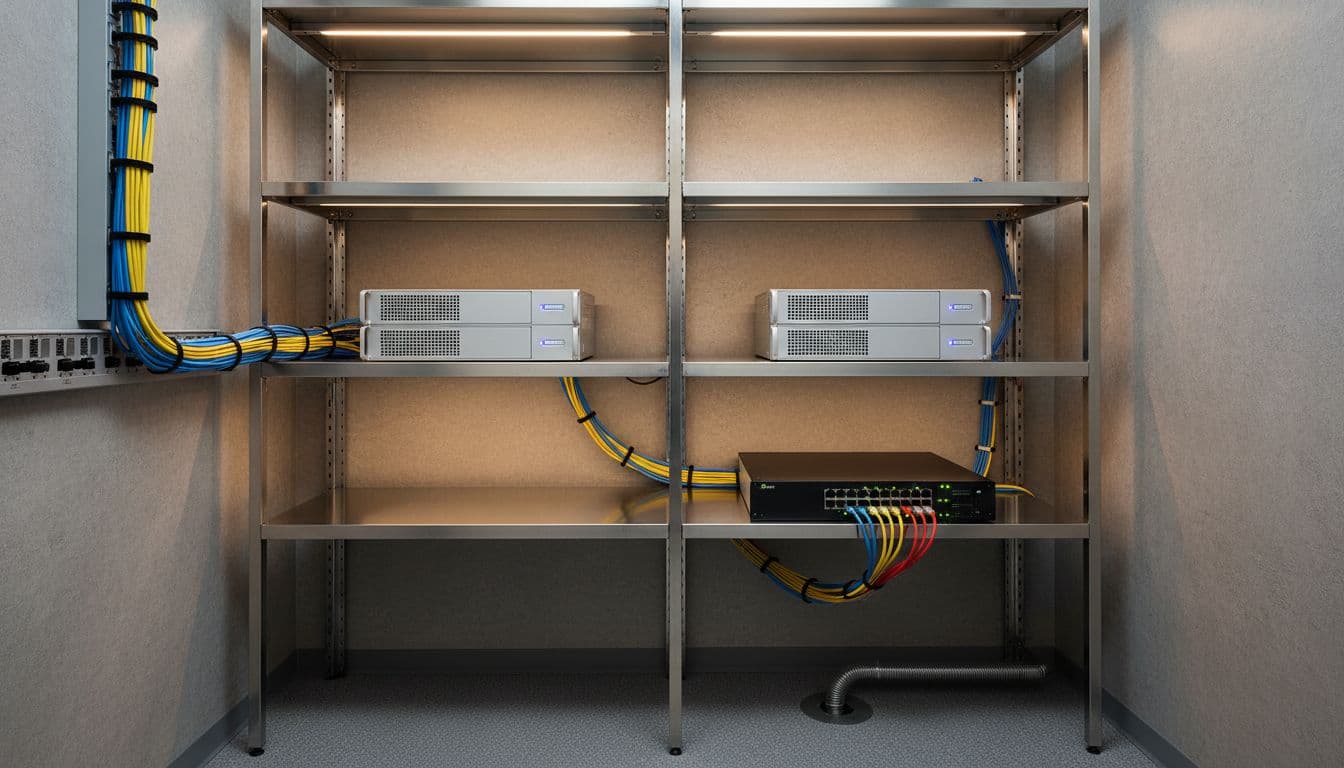
A small branch may use a two-node cluster with 16 physical cores per node, a few Windows VMs, and local failover. Under the current public model, that means 32 physical cores on registered hardware, with the Azure Local host line listed at $0 per core per month. If you don’t bring Azure Hybrid Benefit, the Windows guest subscription can become the main recurring Microsoft charge.
Yet the bigger year-one spend often sits elsewhere. Hardware, a three-year or five-year warranty, broadband plus failover connectivity, UPS capacity, and local backup storage can outweigh the Microsoft bill.
Mid-sized regional office
A regional office usually carries more mixed workload density. Picture a four-node cluster, heavier storage, several Windows VMs, some Linux VMs, and tighter recovery targets. Microsoft charges still follow physical cores and any Azure services you attach. However, backup replication, security monitoring, and premium vendor support often rise faster than the base Azure Local charge.
Exact pricing usually isn’t public for this whole stack. Retention policy, replication target, bandwidth use, and support SLA all affect the final number. In practice, buyers need both Azure estimates and partner quotes before finance can trust the model.
Distributed edge rollout
Fleet deployments change the math again. A manufacturer, retailer, or utility may deploy small Azure Local systems across dozens of remote sites. The per-site Microsoft charge stays simple, but operating cost grows with every new location.

Truck rolls, spare units, LTE failover, remote monitoring, patch windows, and site-by-site security controls add up quickly. If edge sites send data back to Azure for storage, analytics, or recovery, more usage-based charges join the bill. In large fleets, the best design is often the one that cuts support effort and outage time, even if the hardware quote is slightly higher.
Conclusion
For 2026, Azure Local pricing is easier to read than many hybrid platforms. Microsoft’s public model centers on physical cores and attached Azure services, while partner hardware and site operations shape the real spend.
The buyers who get this right separate those layers early. When you price the full fleet, not only the software line item, Azure Local becomes much easier to compare across branch, regional, and edge deployments.

