Nvidia Blackwell changes the math for racks, rows, and cooling loops. If you’re sizing from GPU TDP alone, you’re likely undercounting the real load.
As of 2026, public figures put many server-class Blackwell parts in the 600W class, while GB200 rack-scale systems land around 120kW to 140kW per rack. Yet Blackwell power draw at the facility meter is always higher than the GPU headline.
That gap is where budgets slip, colo plans fail, and dense AI builds hit thermal limits.
Which Blackwell power numbers are firm, and which depend on the build
The public numbers are useful, but they need context. Server-oriented Blackwell parts such as B200 are widely discussed around 600W per GPU, and NVIDIA’s DGX B200 platform shows how these GPUs sit inside a full system, not in isolation.
That distinction matters. A GPU TDP is not the same as measured wall power for a complete server. It doesn’t include CPUs, DIMMs, NICs, SSDs, motherboard losses, fans, pumps, or PSU conversion losses.
Partner design also changes the answer. A liquid-cooled 8-GPU server and an air-cooled 8-GPU server won’t behave the same, even with the same GPU SKU. Board design, boost limits, power caps, airflow, and inlet temperature all shape the final draw.
Workload matters too. Dense training jobs often push power higher than lighter inference mixes. Memory-bound jobs can look different from sustained tensor-heavy runs. Some operators will cap GPUs below maximum board power to fit power budgets or cooling limits, and that changes performance per rack.
Public summaries such as this Blackwell architecture breakdown help frame the lineup, but planners still need vendor-specific measurements for the exact server they intend to buy.
A 600W GPU is the headline number. Your bill comes from the whole server, the rack, and the cooling plant.
So, treat published figures as a starting point. Use them for rough sizing, not for purchase approval.
Why rack power rises faster than GPU TDP
Once you move from a single node to a real cluster, the power curve bends upward fast. That’s because rack density adds network gear, storage, power conversion losses, and cooling overhead on top of the compute load.
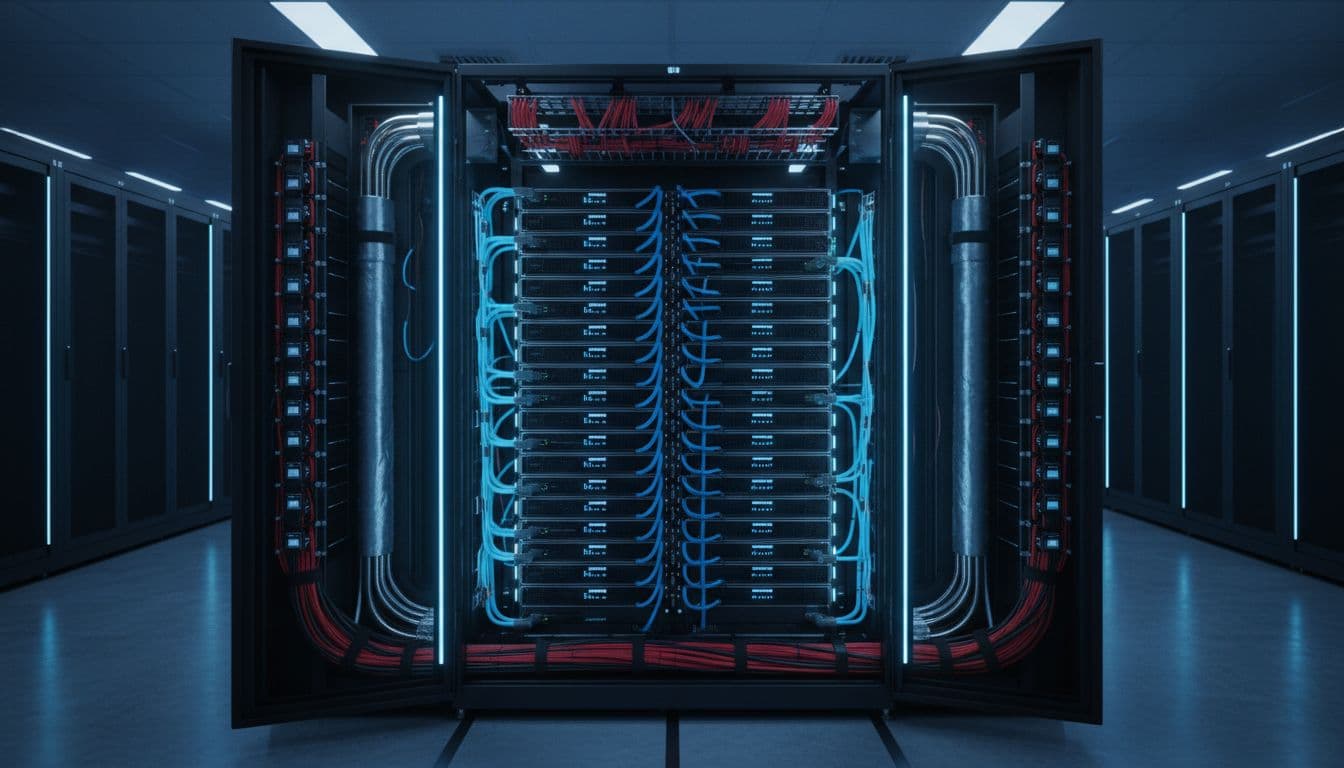
A simple example helps. Eight GPUs at 600W each already total 4.8kW. Add two high-end CPUs, memory, NICs, local NVMe, fans or liquid pumps, and you’re often above 6kW before you even count rack switches. Then add PSU losses, and the wall number climbs again.
Rack-scale GB200 systems sit in a different class. Public 2026 figures place GB200 NVL72 racks around 120kW to 140kW total, and those deployments usually assume liquid cooling. That is not “72 GPUs times a simple TDP.” It’s a rack-domain design with compute, interconnect, and supporting hardware working as one unit.
The jump from 20kW racks to 40kW, 60kW, or 120kW racks changes the project. Branch circuits, busways, floor loading, containment, and heat rejection all come into play. Many colocation halls still price and cool for much lower densities, so a Blackwell build can be limited by the building long before it is limited by budget.
Industry deployment notes such as this B200 vs GB200 deployment guide show the tradeoff clearly. Higher density can improve cluster efficiency and reduce east-west cable sprawl, but it narrows your facility options and raises failure-domain risk.
Underestimate, and you may trip breakers or throttle servers. Overbuild, and you may pay for white space and cooling you never use.
Simple planning scenarios for per-server and per-rack power
A practical model starts with three layers. First, total the GPU budget. Next, add the rest of the server. Then add losses and facility overhead.

For planning, assume your “other server load” includes CPUs, memory, storage, NICs, fans or pumps, and motherboard power. Then convert server output to wall input by accounting for PSU efficiency.
| Server scenario | GPU subtotal | Other server load | Est. wall input per server | 6-server rack estimate |
|---|---|---|---|---|
| 8 x 600W GPUs | 4.8kW | 1.3 to 1.7kW | 6.4 to 6.9kW | 38 to 41kW |
| 8 x 500W capped GPUs | 4.0kW | 1.3 to 1.7kW | 5.6 to 6.0kW | 34 to 36kW |
| 4 x 600W GPUs | 2.4kW | 0.9 to 1.2kW | 3.5 to 3.8kW | 21 to 23kW |
These are planning estimates, not promises. Actual draw varies by SKU, board design, workload, power cap, cooling method, and server layout.
Now add rack items. A top-of-rack switch pair can add a few hundred watts. Local storage trays add more. In liquid-cooled designs, CDUs or pump support may sit outside the rack, but the facility still pays that power bill.
Then look at building load. If your rack IT load is 40kW and your site PUE is 1.2, the facility draw tied to that rack is about 48kW. That’s why Blackwell power draw can’t stop at the server nameplate.
The safe move is simple. Ask each vendor for measured wall power at your target workload, target inlet temperature, and intended power cap. Also ask for typical and peak numbers, not only a best-case average. Those details help you avoid both stranded capacity and ugly surprises after delivery.
Blackwell isn’t impossible to plan for. It simply punishes loose assumptions.
If you remember one thing, make it this: GPU wattage is only the first line in the budget. Before you sign a PO, validate per-server wall draw, per-rack density, and facility overhead for the exact build you plan to run.

