Sentinel overspend rarely comes from one bad choice. It usually comes from hundreds of small log decisions that pile up over time.
For most mature teams, Microsoft Sentinel cost optimization is less about squeezing a vendor bill and more about matching data value to the right plan, retention window, and query pattern. If you want lower spend without weaker detections, start with the billing model, then clean up ingestion.
Choose the pricing path before you tune the SOC
Many teams start with connectors and KQL. That order costs money. First, pull 60 to 90 days of daily ingest and separate steady-state volume from incident spikes.
As of April 2026, Microsoft still points customers to commitment tiers for stable workloads, and a 50 GB/day tier remains an important 2026 option to verify in Microsoft’s Sentinel billing guidance. If you’re eligible, promotional terms can matter. Still, don’t build a forecast around a preview detail without checking the current documentation.
The safer rule is simple. Commit near your normal floor, not your busiest week. Sentinel lets you move up fast, but moving down usually takes time. That makes padded estimates expensive, which is why this recent licensing analysis is worth reading before you lock in a larger tier.
Use this as a quick decision lens:
| Cost lever | Use it when | Main tradeoff |
|---|---|---|
| Pay-as-you-go | Ingest is volatile, new, or still being cleaned up | Higher unit cost |
| 50 GB/day commitment tier | Daily volume is near that level and stable | Waste if the baseline drops |
| Larger commitment tier | The workspace runs high, steady ingest | Forecast errors get expensive |
| Basic or Auxiliary tables | Data supports audit or context, not hot-path detections | Query and feature limits |
The key point is that commitment tiers and table plans work together. A discounted tier won’t save a workspace full of low-value Analytics data.
Cut ingestion before Analytics Logs sees it
The biggest savings usually happen before data lands in Analytics Logs. If you ingest first and classify later, you pay to store noise and then pay again to query it.
Use data transformations to filter records, trim fields, or normalize data at ingestion time. When one source mixes high-value and low-value events, apply filter and split transformations so only the useful slice stays hot. A proxy feed is a good example. Keep events tied to threats, policy bypass, or rare destinations in Analytics. Push routine allow traffic somewhere cheaper.
Also watch enrichment. Azure Monitor bills on bytes written to the workspace, and added fields can increase that size. If a custom column doesn’t improve a detection, investigation, or compliance need, don’t stamp it on every record.
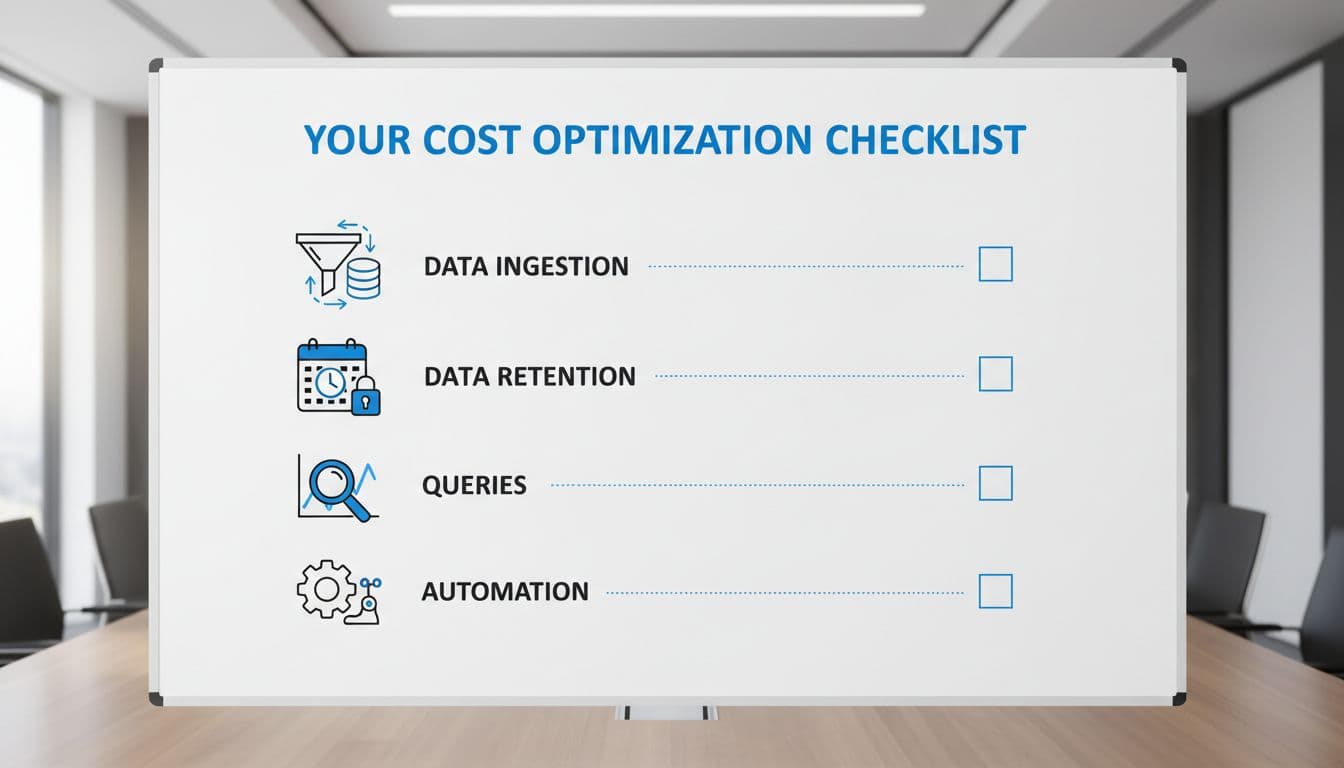
Ingestion checklist
For experienced SOC teams, the practical checklist is short:
- Measure growth by table, not only by connector. Large tables often hide behind a single connector view.
- Move audit-heavy data to Basic or Auxiliary only after you confirm the search, rule, and retention limits won’t hurt operations.
- Filter health pings, repetitive allow events, and device chatter that never changes a case outcome.
- Test every connector change against real detections before broad rollout.
- For massive firewall, proxy, or endpoint streams, review Microsoft’s 2025 guidance on the Sentinel data lake if you need full visibility without keeping everything in the hottest tier.
If a table never drives an alert, hunt, or case decision, Analytics should be the exception, not the default.
Retention and query discipline decide the long tail
Retention is where many teams give back the savings they won at ingest. Data stays interactive because nobody owns the exit plan.
Retention checklist
Set hot retention by evidence, not habit. Look at median investigation lookback, hunting cadence, and legal hold needs. Then keep only that window in interactive storage.
As of April 2026, Azure Monitor still applies different charges to interactive and long-term retention, and regional prices vary. That means your retention policy should come from analyst behavior and compliance needs, then be checked against current billing docs, not copied from an old workspace standard.
Detection and query checklist
Scheduled analytics rules need the same discipline. Review them at least quarterly. If a rule hasn’t fired, or fires but never changes analyst action, shorten the lookback, narrow the tables, or retire it.
The same goes for workbooks and hunting queries. Broad queries over large tables, especially on frequent refresh cycles, can turn a dashboard into a cost generator. Query scope matters. Refresh rate matters. Table choice matters even more.
A SOC that reviews spend only at month-end is steering by the wake. Daily ingest trends, table-level growth, and rule-level value should sit in the same operating review as alert volume and MTTR. Cost control works best when the detection engineers, platform owners, and FinOps team all see the same data.
Real Microsoft Sentinel cost optimization comes from data governance, not clever budgeting. Teams that spend less in 2026 usually classify data earlier, keep hot retention shorter, and refuse to run expensive queries that don’t improve decisions.
That returns to the opening point. Hundreds of small log choices build the bill, and the same choices can bring it back down without weakening coverage.

