If your office Wi-Fi slows when meeting rooms fill up, a new standard alone won’t fix it. A Wi-Fi 7 enterprise upgrade pays off when radio design, client mix, and the wired edge all move together.
By 2026, many refresh cycles already default to Wi-Fi 7 access points. Still, dense offices win from lower latency and steadier capacity, not from peak lab speeds. Start with what users feel at 10 a.m., then plan from there.
Where Wi-Fi 7 helps high-density offices most
In busy offices, airtime is the scarce resource. Video calls, wireless docks, hot-desking, and cloud apps all compete for it. Wi-Fi 7 helps because it improves how the network handles contention, not only how fast one device can go.
Multi-Link Operation (MLO) is the feature most IT teams should care about. With supported clients, it can use more than one band or channel path, which reduces jitter and improves reliability during roaming and real-time traffic. The Wi-Fi CERTIFIED 7 technology overview and Cisco’s MLO packet-to-performance breakdown both show why that matters more than a flashy speed test in crowded spaces.

Wider channels also help, but only when RF conditions allow it. In many offices, 80 MHz or 160 MHz designs remain the smarter choice because channel reuse matters more than peak throughput. A 320 MHz plan can work well in controlled 6 GHz areas, yet it often wastes spectrum in dense floors with many APs.
Performance gains also depend on the client base. Some 2026 devices support Wi-Fi 7 but lack full 6 GHz or advanced MLO behavior. Others roam poorly unless driver and policy settings are tuned. Measure the 95th and 99th percentile user experience, especially latency, retries, and roam time.
Budget for consistent user experience first. A faster standard cannot hide weak RF planning or overloaded switch ports.
The infrastructure checklist: must-have upgrades versus nice-to-have extras
A Wi-Fi 7 AP can expose weak switching the way a new engine exposes a bad transmission. That is why the wired side needs equal attention.

This quick split helps during budget review:
| Area | Must-have in 2026 | Nice-to-have later |
|---|---|---|
| Access switching | 2.5 GbE to new APs | 5 GbE in busiest zones |
| Power | PoE budget that matches AP draw, often PoE++ | Extra power headroom for future AP classes |
| RF design | Fresh 5 GHz and 6 GHz survey | 320 MHz only where validated |
| Security | WPA3 and PMF for 6 GHz policies | Separate pilot SSID for feature staging |
| Operations | Latency, roaming, and client telemetry | Deeper AI-assisted radio tuning |
The must-have items are boring, and that is the point. If an AP lands on a 1 GbE port with a thin PoE budget, the upgrade stalls before users ever see a benefit. Cabling also matters. Old drops that passed for Wi-Fi 5 can become trouble when you push multi-gig and higher AP power.
Planning for 6 GHz takes more than checking a box. Use a fresh channel and cell-size design, then validate country rules, preferred scanning channels, and client behavior. Many teams stage a separate SSID during the pilot so they can test new features without disturbing older devices, a step aligned with Aruba’s planning and deployment guidance and Cisco’s 6 GHz and Wi-Fi 7 migration guidance.
Roll out Wi-Fi 7 enterprise in phases, not all at once
A phased rollout lowers risk and gives you real office data before full spend. That matters because mixed client estates are the rule in 2026, not the exception.
- Baseline the current network. Capture latency, retries, roam failures, call quality, and top trouble spots.
- Pilot one dense area. Pick a floor with meeting rooms, open seating, and a realistic mix of laptops and phones.
- Migrate by client class. Move managed laptops first, then softphones, then special devices such as printers or scanners.
- Tune after the pilot. Adjust channel width, transmit power, MLO policy, and QoS before wider rollout.
A strong pilot tests more than throughput. Run voice and video calls during peak occupancy. Watch handoffs between APs. Check whether policy engines, NAC, and monitoring tools report Wi-Fi 7 clients cleanly. A fresh survey and post-cut validation plan, like those discussed in Ekahau’s Wi-Fi 7 upgrade guide, will save rework later.
Common failures are easy to spot. Teams assume AP replacement is enough, skip switch upgrades, leave old cabling in place, or enable very wide channels everywhere. Another mistake is trusting client marketing labels. Some “Wi-Fi 7” endpoints still lack the exact band or feature set your design expects.
Final pre-deployment validation checklist
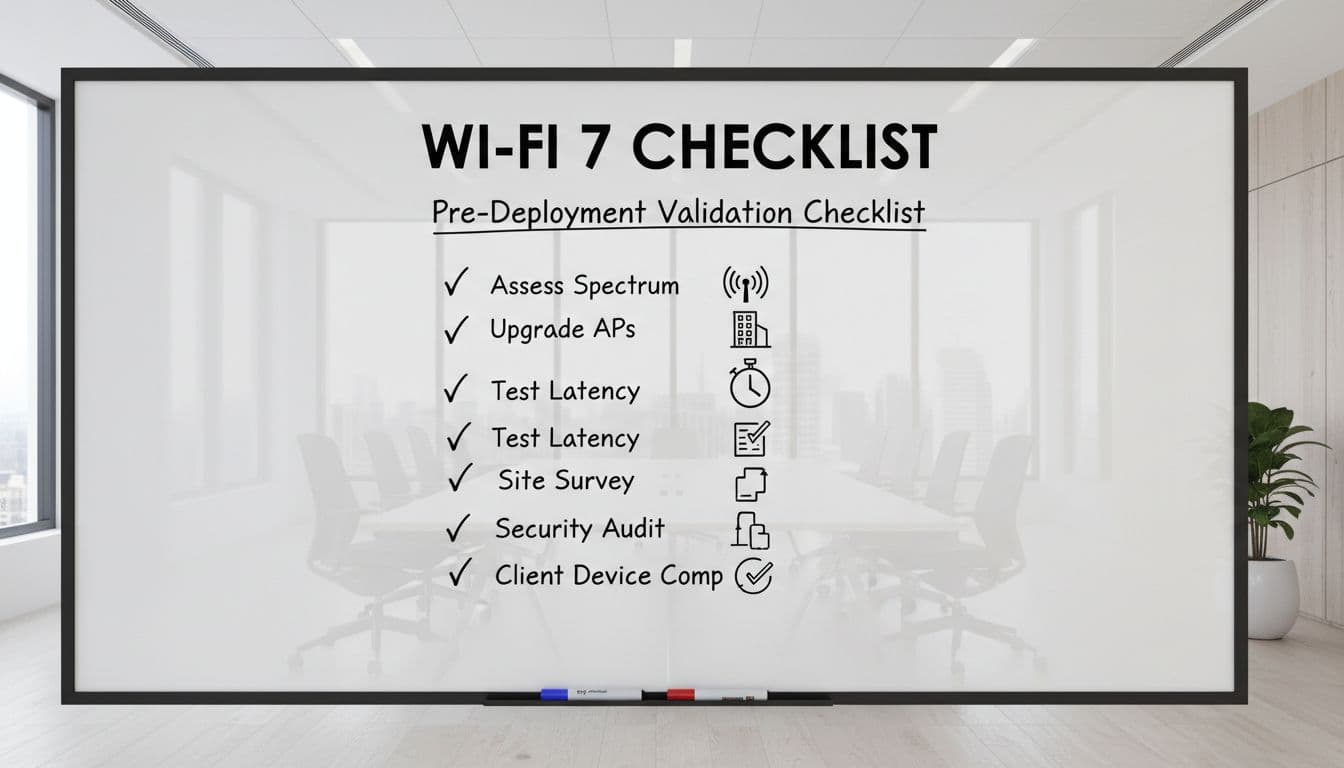
Before the change window opens, confirm these items:
- AP models, code, and controller versions are supported
- Switch ports deliver planned multi-gig speeds
- PoE budgets cover worst-case AP draw
- Cabling tests pass for each AP drop
- 6 GHz rules and channel plan are validated
- WPA3, PMF, RADIUS, and NAC policies are tested
- Pilot clients support the intended Wi-Fi 7 features
- Roaming, voice, and video meet latency targets
- Dashboards show retries, link shifts, and roam failures
- Rollback steps and spare hardware are ready
That list should fit on one page. If it does not, the project likely needs another pilot pass.
When office Wi-Fi collapses under peak load, the fix is rarely one shiny feature. The best Wi-Fi 7 enterprise upgrades come from disciplined RF design, honest client testing, and a wired core that can keep up.

