If Jira and Confluence run daily work, one bad permission can spread risk fast. In 2026, Atlassian cloud security depends on more than one admin page. You need tight identity controls, clean product permissions, useful logs, and clear rules for apps and data.
This guide is for Jira Cloud and Confluence Cloud only. Data Center and Server use different controls. It gives platform admins and security teams a practical audit path, with checks, risks, and fixes you can act on this week.
Set the baseline in Atlassian Administration
Start at the organization layer. If you audit a Jira project before you audit identity, you’re checking window locks while the front door stays open. First, confirm every site belongs to one Atlassian organization, your domains are verified, and managed accounts match current staff and contractors. Atlassian’s cloud security guidance is a solid baseline.
Then test sign-in controls. Require MFA for all managed users, not only org admins. If you use SSO and Atlassian Guard, test one normal account, one service account, and one break-glass admin. Recent March 2026 cloud changes added unified Data Security Policies and external user security policies. Supported tenants can also use country-based IP allowlisting and mobile browser blocking.
Use this quick baseline during the first pass.
| Control | Applies to | High-risk sign | Fix |
|---|---|---|---|
| Org and verified domains | Both | Multiple unmanaged sites | Bring sites under one org and claim domains |
| MFA and SSO | Both | MFA only for admins | Require MFA for all managed accounts, test recovery paths |
| Admin roles | Both | Too many org or site admins | Cut to named owners, add quarterly review |
| External user policies | Both | Guests share same rules as staff | Separate contractors and guests by domain or policy |
Also review dormant accounts older than 30 to 60 days and disable them. If SCIM is enabled, compare a few sample users against your IdP and confirm offboarding is fast. Orphaned managed accounts and stale groups are common after mergers or contractor offboarding.
Audit the permissions that expose Jira issues and Confluence pages
Most data spills happen here, inside product permissions that looked harmless at setup. Jira risk usually comes from broad groups in global permissions, project roles, or issue access. Confluence risk often comes from open spaces, inherited space permissions, public links, or anonymous access left on after a short-term need.
In both products, focus on who can see, export, share, and administer content.

Run the check in this order.
- Jira global and project access: Review Browse Projects, Create Issues, Edit Issues, and Administer Projects. Watch for “jira-software-users”, “site-admins”, or large synced groups granted more than they need. Remove broad groups, then replace them with role-based groups per team.
- Jira issue security and service projects: Sample a sensitive project, then verify issue security schemes, request types, and portal access. A common miss is letting any logged-in user view a service project or internal incident queue.
- Confluence global and space permissions: Check who can create spaces, export content, and invite users. Then audit the top 20 spaces by sensitivity and confirm that anonymous access, guest access, and public links match policy.
- Page restrictions and ownership: Pick a few restricted pages and confirm the named groups still exist. If a space has no clear owner, assign one now. Old spaces without owners become abandoned storage lockers.
The biggest access problem is rarely a hacker, it’s an old group membership nobody removed.
When you fix permissions, avoid broad emergency groups. Use small named groups, document each exception, and set an expiry date for temporary access.
Review logs, apps, and data controls before an incident
Turn audit records into alerts
A log nobody reads is just expensive history. Pull organization, Jira, and Confluence audit records into your SIEM or monitoring stack. If you need a reference for field mapping and event types, see the Atlassian audit records integration. Then alert on admin role changes, SSO policy edits, group sync failures, mass permission changes, API token creation, and marketplace app installs.
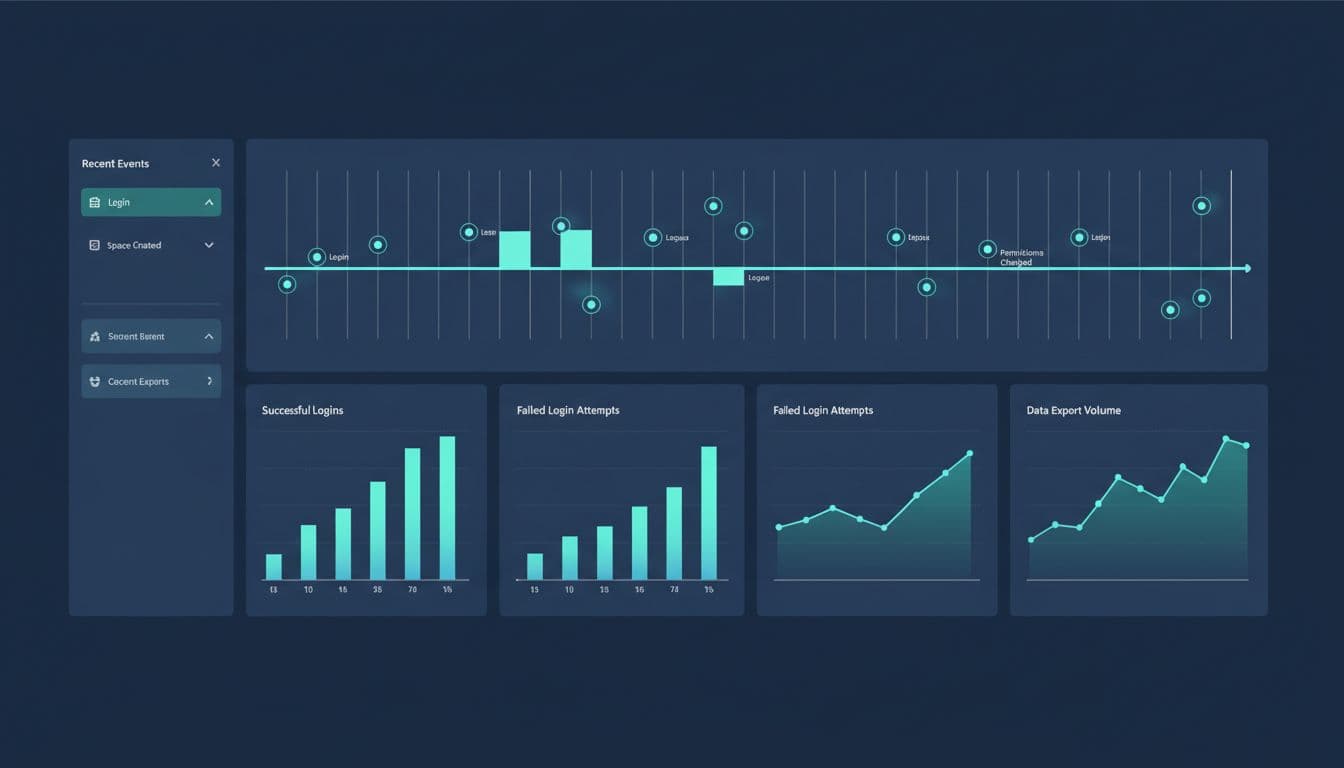
Can your team answer who opened a space, who changed a permission, and when an external user was added? If not, your audit trail may exist, but it won’t help under pressure.
Check marketplace apps, data residency, and recovery paths
Apps often have the widest reach. Review every installed Marketplace app, its scopes, vendor access model, and last use date. Then re-check apps that can read all issues, all pages, user data, or exports. Review personal API tokens, automation rules, outgoing webhooks, and email integrations. Old tokens tied to former admins can survive longer than the account’s last login.
For data location and residency needs, use Atlassian’s manage data residency guidance and confirm product data, app data, and legal requirements line up.
Finally, test recovery. Atlassian runs the platform, but your team still owns rollback planning after bad automations, deleted spaces, sync mistakes, or risky app changes. Keep documented export and restore procedures. Set ownership for backups or snapshots if your policy requires them. Then rehearse one restore scenario for Jira and one for Confluence every quarter.
A clean audit beats a rushed incident response
Atlassian cloud security isn’t won by one toggle. It comes from smaller checks done in the right order, org controls first, then product permissions, then logs, apps, and recovery. The March 17, 2026 security bulletin did not apply to Atlassian-hosted Cloud, yet access drift still creates most tenant risk. If your next audit finds stale admins, open spaces, or silent log gaps, fix those before you write new policy. Security stays manageable when ownership is clear and reviews happen on a calendar.

